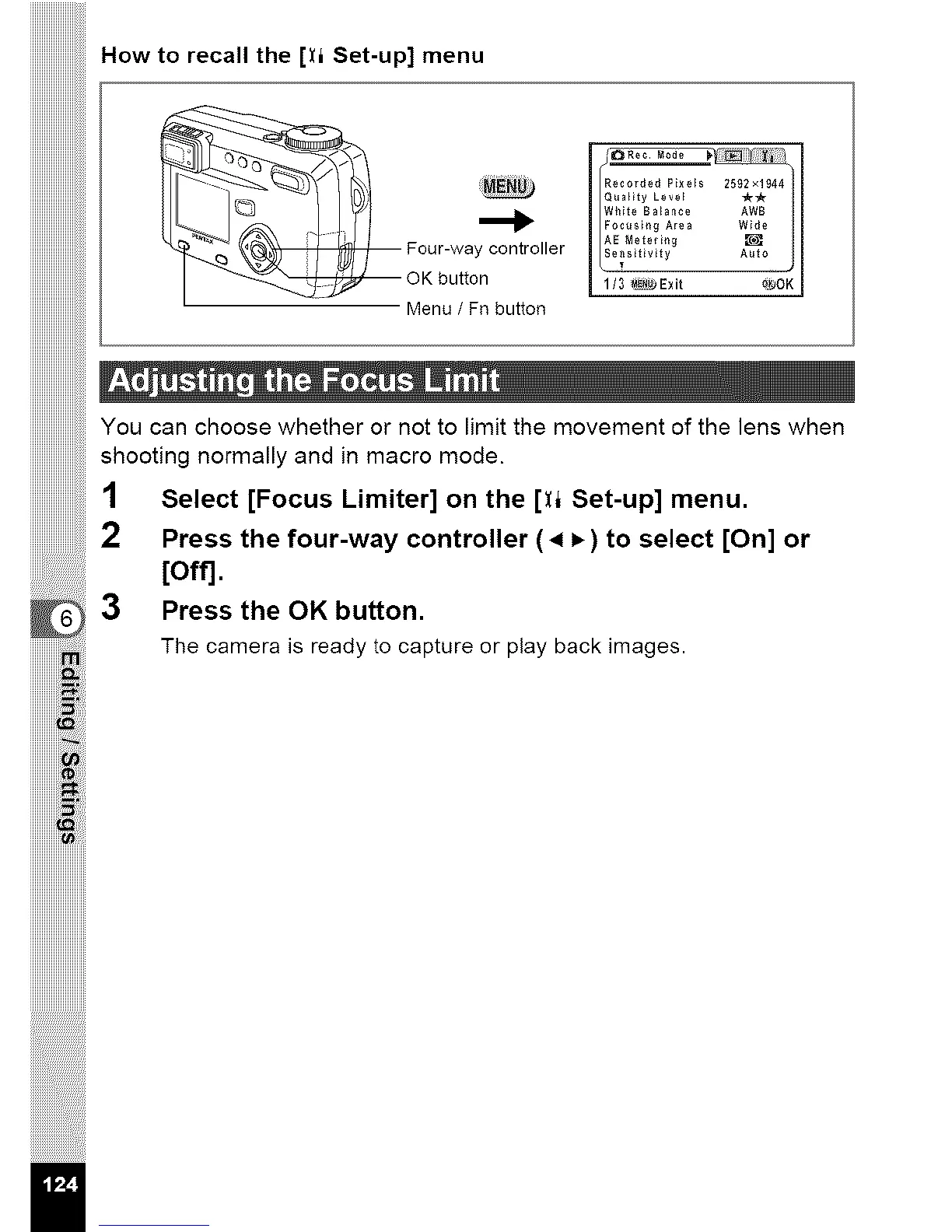
How to recall the [_i Set-up] menu
yCOI_RtFo White Balance AWB
Four-'vva ller sitivity A_t
""__z_ OK button 3 _ o_90K
Menu / Fnbutton
YOU can choose whether or not to limit the movement of the lens when
shooting normally and in macro mode.
1 Select [Focus Limiter] on the [Xl Set-up] menu.
2 Press the four-way controller (4 P,)to select [On] or
[off].
3 Press the OK button.
The camera is ready to capture or play back images.
ii_iill
iiiiiiiiiiiii_i !
/



 To Next Page