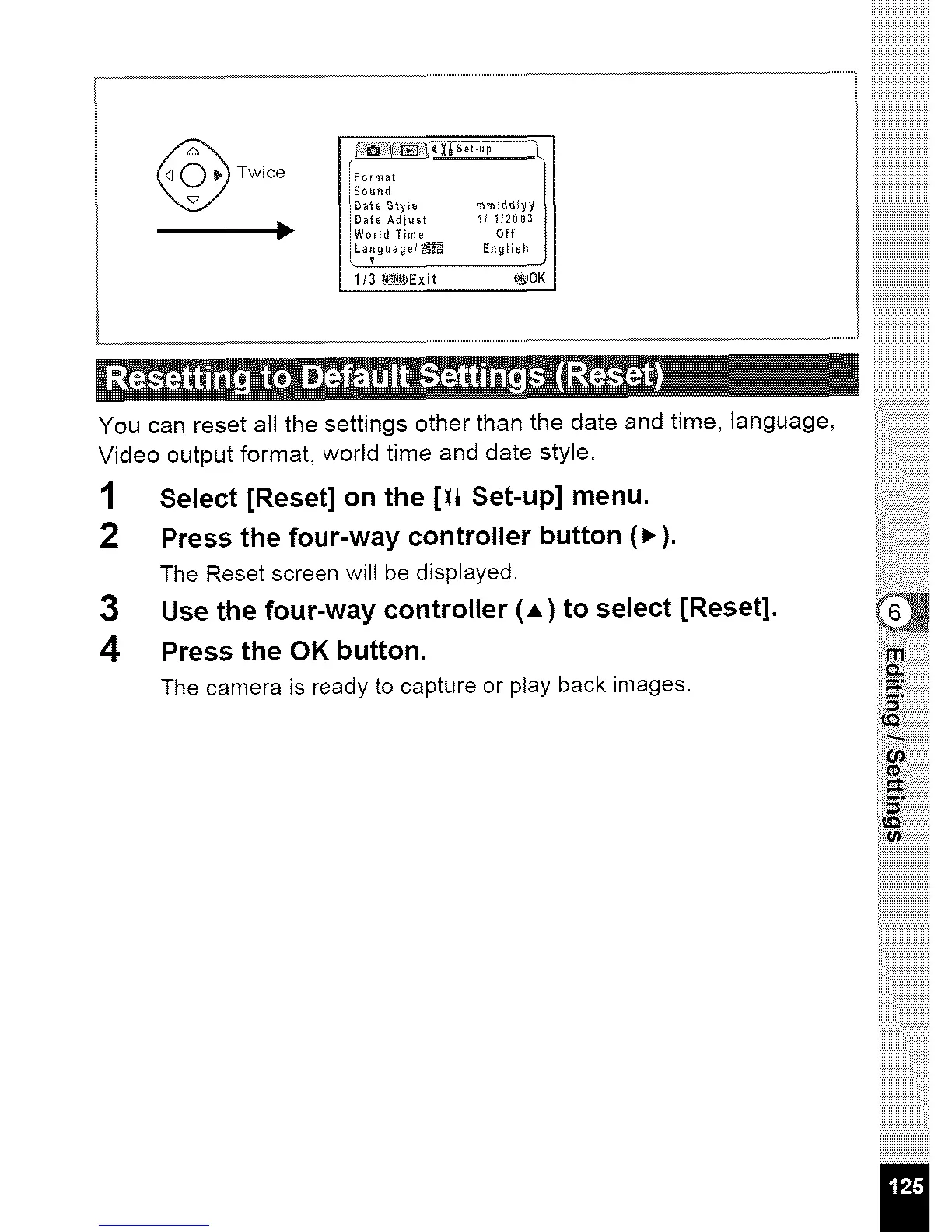
Twice JFormat
iSo_nd
iDate Ad ust 1/ I12003
iWo dTme Off
3 _Ex t o_OK
You can reset all the settings other than the date and time, language,
Video output format, world time and date style.
1 Select [Reset] on the [:q Set-up] menu.
2 Press the four-way controller button (P,).
The Reset screen will be displayed.
3 Use the four-way controller (A) to select [Reset].
4 Press the OK button.
The camera is ready to capture or play back images.
i!i_!
iil;_!!ilil



 To Next Page