USERM Tv Av I_1 PICT|=11_ _ ,_'
The picture will be taken 10 seconds after the shutter release button is
pressed.
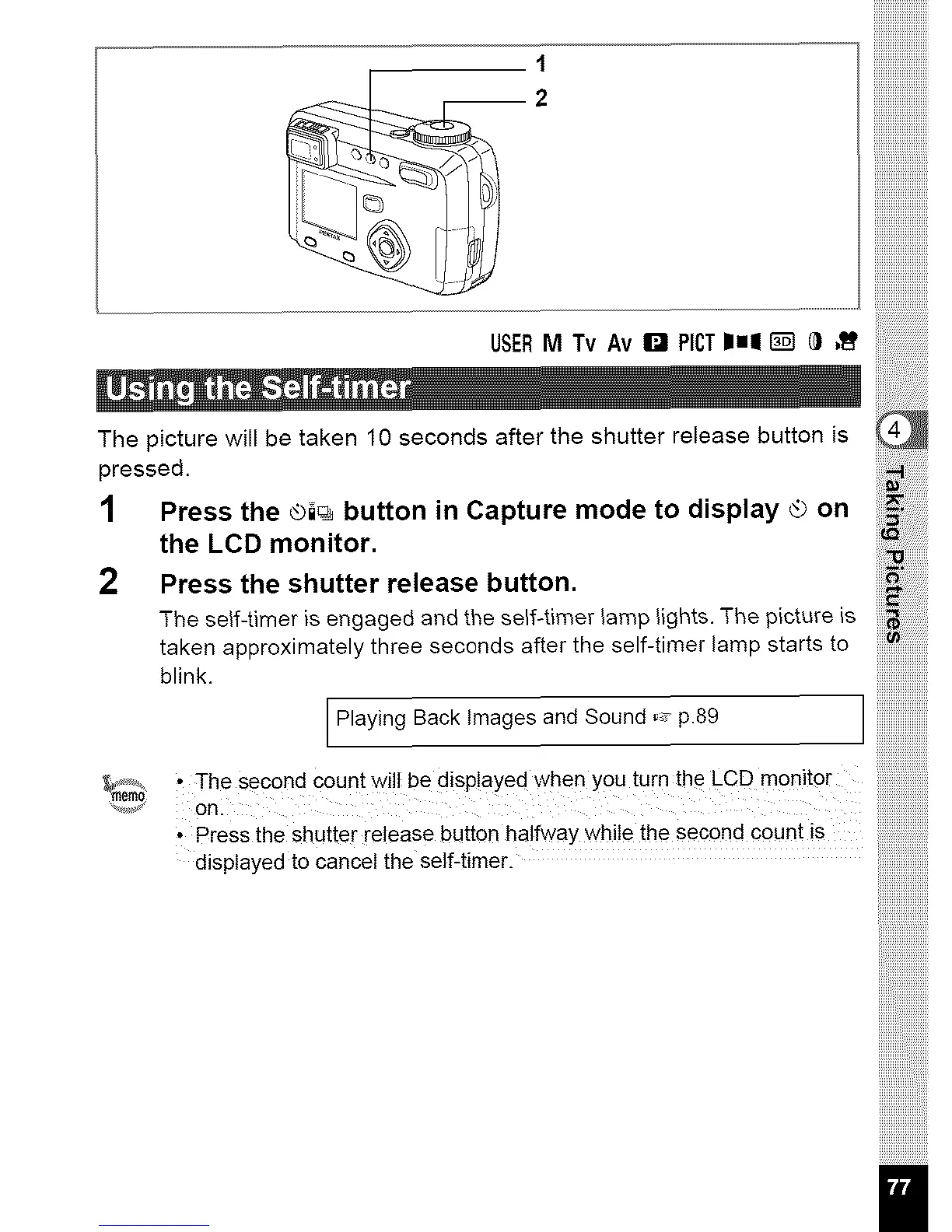
1 Press the ®i_ button in Capture mode to display _ on
the LCD monitor.
2 Press the shutter release button.
The self-timer is engaged and the self-timer lamp lights. The picture is
taken approximately three seconds after the self-timer lamp starts to
blink.
iiii_iiiiiiiiiiiiii
iiii_i!ii!i!i!i!i!iliiiiiilil!
1111%¸¸
iiiiiiiiiiiiiiiiiiiiii
Playing Back Images and Sound ,_ p.89
• Thesecond countwillbedisp!ayed whenyou turnthe LCD monitor iiiilililililililililililililililililililili
onl iiiiiiiiiiiiiiiiiiiiiiiiiiiiiiiiiiiiiiiiiiii
• PresSdisplayedthetoShUttercancelreleasetheself-timer.bUtt°nhalfway while the second count is _
U,U,U,U,U,U,U,
iiiiiiiiiiiiiiii
iiiiiiiiiiiiiiiiiii



 To Next Page