83
4
Taking Pictures
6
Press the
3
button,
4
button, or Zoom/
w
/
x
button.
7 Press the four-way controller (2).
8 Press the 4 button.
S mode stops.
S mode is set to O (On) in the default settings. Use the A mode to set
whether the camera enters S mode when the w side of the Zoom/w/
x button is pressed.
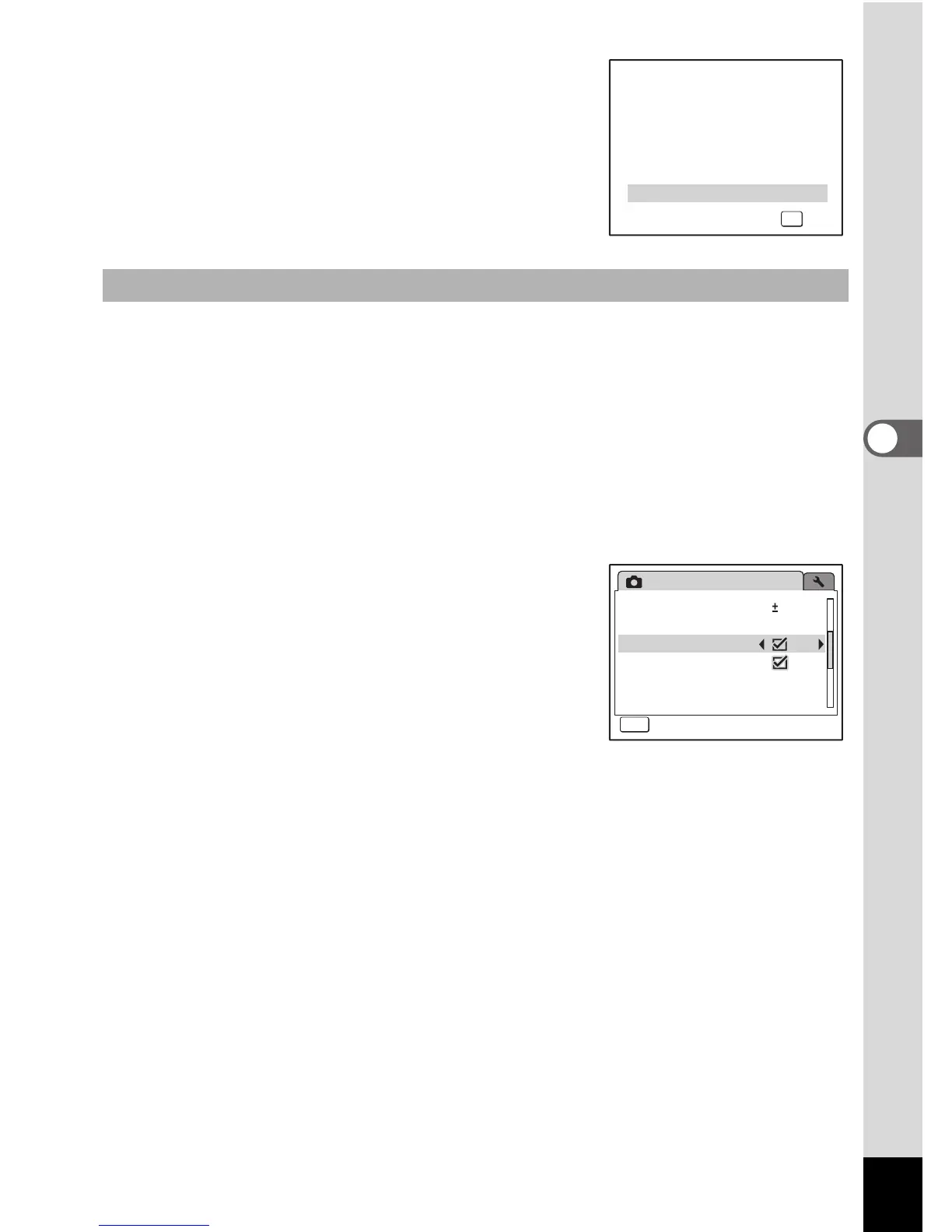
1 Press the 3 button in A mode.
[A Rec.Mode] appears.
2 Press the four-way controller (23) to select [Digital
Wide].
3 Use the four-way controller (45)
to select O (On) or P (Off).
The selected setting is saved.
4 Press the 3 button.
The setting is complete and the camera
returns to capture status.
Setting the Digital Wide Function
OK
OK



 To Next Page