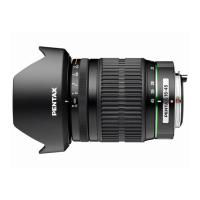
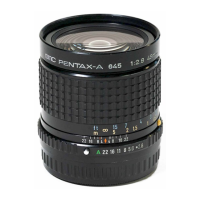
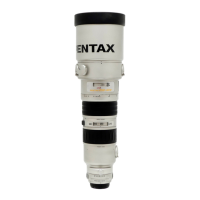
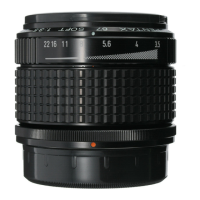
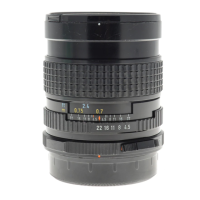
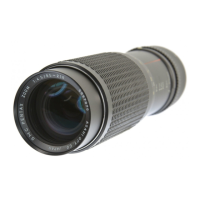
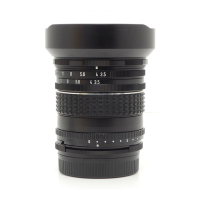
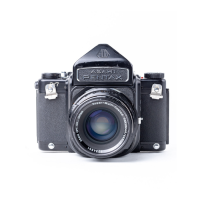
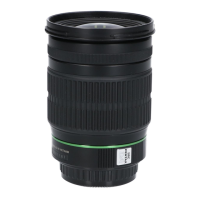
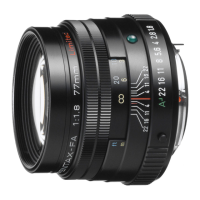
1.To mount the lens on the camera body
Align the red dots on the lens and camera
body, and then turn the lens clockwise until
it clicks into place.
※After mounting the lens, try to turn the lens
counterclockwise to make sure it is locked
in place.
2.To remove the lens
Hold down the lens unlock button on the
camera body and turn the lens counter-
clockwise.
MOUNTING AND REMOVING OF LENS
5



 To Next Page
 Loading...