12 13
This option is only available to drivers in Canada. It allows you to use Sleeper Berth time
on and around qualifying ferry boat events to count towards a Work Shift reset. Each
driver needs to submit their own Ferry Boat event. This information will appear in your
log detail for the day.
This option allows you to enter in your license plate number. This information will appear
in your log detail for the day.
This option is only available to single drivers in Canada. It allows deferral of off duty time
from Day 1 to Day 2 of the deferral period. You are not allowed to defer if you are in violation
or otherwise do not qualify. This information will appear in your detail for the day.
This option allows you to specify your driver status. The system must be updated
whenever a change is made from a single to a team driver or back again. This information
will appear in your log detail for the day.
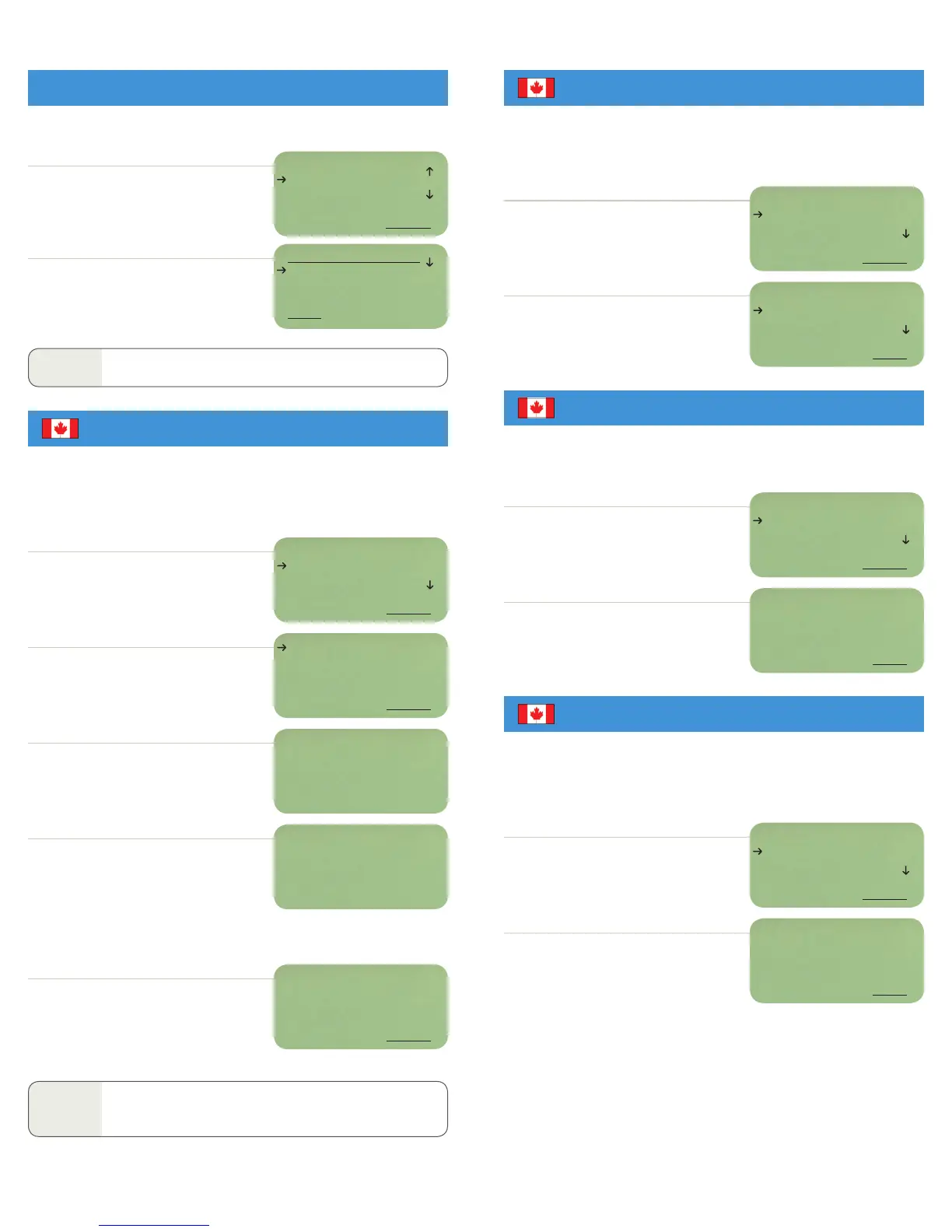
SELECT Ferry Boat from the driver log menu.
SELECT Start Ferry to start ferry boat event.
SELECT On Ferry when driving onto the ferry itself.
SELECT End Ferry to end ferry boat event.
You will return to the main idle screen.
The “F” for ferry boat event duty status will be
removed after ending the Ferry Boat event.
You will return to the main idle screen. An “F”
will replace the first letter of each duty status
to show the ferry boat event in process.
When in Sleeper Berth status, current Sleeper
Berth time (FB) is displayed next to the driver’s ID,
followed by time spent in the previous Sleeper
Berth period (PREV) and the total combination of
all ferry boat event Sleeper Berth periods (FBT).
Once the ferry boat event is in process, you must
update the system when you drive onto the ferry,
and when you end the ferry boat event.
SELECT Change Driver Status from the
driver log menu.
Arrow down to select your driver status,
then select DONE.
You will return to the driver log menu.
NOTE
A ferry boat event will end automatically upon driving 25km or more
after the On Ferry period.
SELECT Change License Number from the
driver log menu.
SELECT Defer Time from the driver log menu.
Enter the details associated with this defer event
and press DONE. You will be notified if you are in
violation or otherwise do not qualify.
You will return to the driver log menu.
Enter license number and press DONE.
This option allows you to view the times of each of your start and stop events.
SELECT View Start Stop from the driver log menu.
Arrow down to see your vehicle’s starts and stops.
Press BACK to return to the driver log menu.
NOTE
The screen displays the oldest entry first.
DRIVER: Glenn
FERRY BOAT
VEHICLE INSPECTION
BACK SELECT
DRIVER: Glenn
CHANGE DRIVER STAT
CHANGE LICENSE NO.
BACK SELECT
DRIVER STATUS
SINGLE
TEAM
BACK DONE
ON FERRY
END FERRY
BACK SELECT
START FERRY
BACK SELECT
DRIVER: Glenn
CHANGE LICENSE NO.
DEFER TIME
BACK SELECT
DRIVER: Glenn
DEFER TIME
FERRY BOAT
BACK SELECT
DEFFERAL REMARK
Running route 272
BACK DONE
LICENSE NUMBER:
BACK DONE
2M N Chaska, MN
Glenn FD 2:56
Brian FON 7:14
MAIL MENU SEND
2M N Chaska, MN
Glenn FB 0:20
PREV 1:00 FBT 1:20
MAIL MENU SEND
DRIVER: Glenn
VIEW START STOP
CHANGE SHIPPING
BACK SELECT
Vehicle: 321
Strt 02/09/07 01:58
Stop 02/09/07 01:45
BACK
FERRY BOAT
CHANGE DRIVER STATUS
CHANGE LICENSE NUMBER
DEFER TIME
VIEW START/STOP


 To Next Page
 Loading...