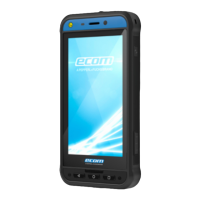
THE SMART-Ex® 03 PHONE
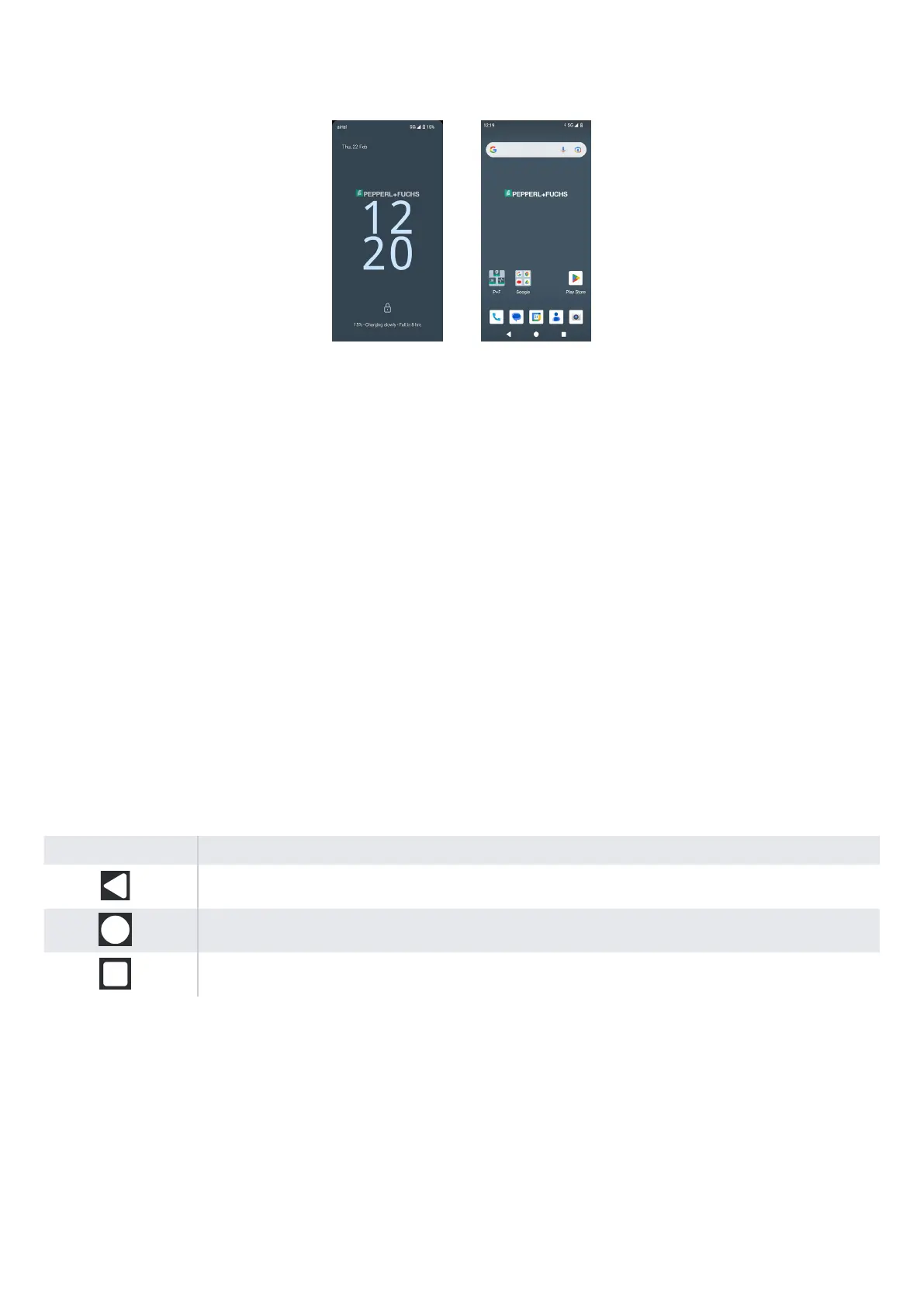
Basic apps like the Call Dialer, SMS, Calendar, Contacts, Camera are visible on the Home screen. Follow the wizard to download
your data and activate these apps. You can drag and drop your favorite apps to the Home Screen for easy access. Swipe up to
see all the apps available. Standard apps such as Chrome, Calendar, Calculator, Files, Messages, etc. are available on the phone.
Additionally, you can download the apps of your choice from the Google Play® store.
Some of the features of an Android phone are further detailed here for your understanding. Features specific to the Smart-Ex® 03
are elaborated in the Custom Features section.
Home Screen Functions
After you complete the phone setup, the Home screen is displayed. This is the start point to access all the features of this device.
The Home screen has multiple panels, it includes -
■
Time indicator: Shows the current time as per the time zone selected.
■
Network strength indicator: This indicates the Network strength of the service provider.
■
Battery charge indicator: Indicates the charge status of the battery.
■
Status bar: The Status bar at the top of the screen provides notification such as missed call, new messages, alarms, events,
software updates, etc.
■
Google search bar: Google Search bar lets you search for items in your phone or the Internet. Touch Google Search bar to
type your search terms, or to speak and give a voice input.
■
App icons: The app icons added to the Home screen are displayed here. You can drag and place app icons on the Home
screen for quick access. You can group widgets of apps and create folders.
■
Soft Keypad functions: The following table displays the various soft keys and the corresponding functions they perform:
Icons Description
Back - Press this key to go back to the previous screen. You can press till you reach the Home screen too.
Home - Moves the current working application to the recent applications list/background
Recent - displays the recently accessed applications.
13


 To Next Page
 Loading...