UNBOXING THE PHONE
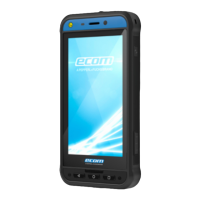
The Smart-Ex® 03 phone box has the following items -
■
Smart-Ex® 03 phone
■
Battery pack Ex-BP S03
■
Wall charger
■
USB cable
■
Torx T8 screwdriver
■
Documentation
Your SIM Card
The SIM card associates your network services (for example, phone number, data services, and so on) with your phone. Contact
your cellular network provider for the SIM card.
Inserting the Nano-SIM Card and Battery
Step 1
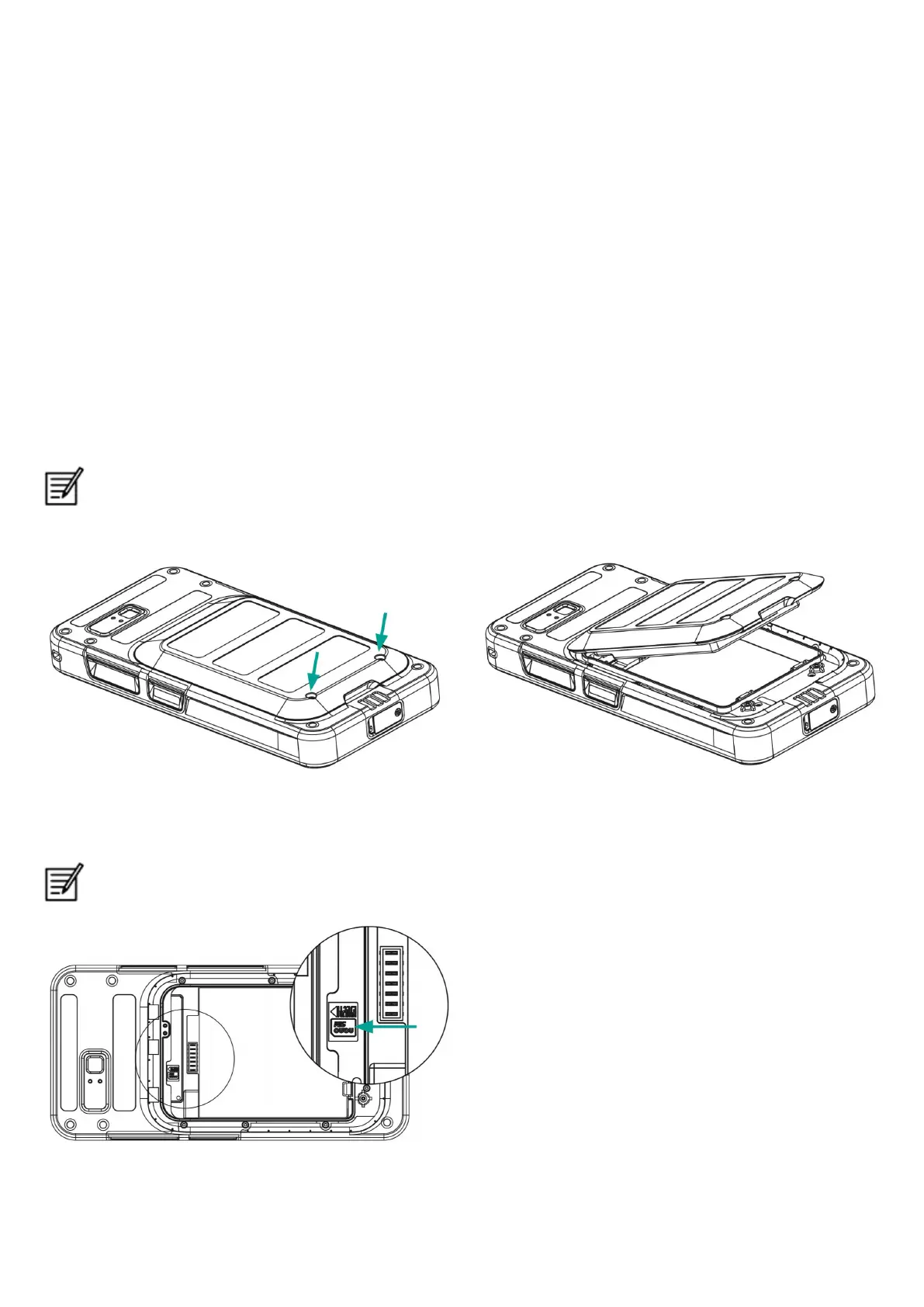
1. Unscrew the two cover screws in a counter clockwise direction.
Please use the Torx T8 screwdriver provided with the phone.
Ensure that the SIM fits correctly into the slot and the contact is complete.
2. Remove the battery.
Step 2
1. Insert the Nano-SIM card with the gold colored contacts facing downwards.
2. Push it upwards into the designated slot.
Ensure that the SIM fits correctly into the slot and the contact is complete. Please use the screwdriver Torx T8. Ensure not
to over tighten the screws.
8


 To Next Page