CCTVSET2
V. 02 – 08/04/2015 20 ©Velleman nv
2. Set up as desired.
3. Left-click OK to confirm.
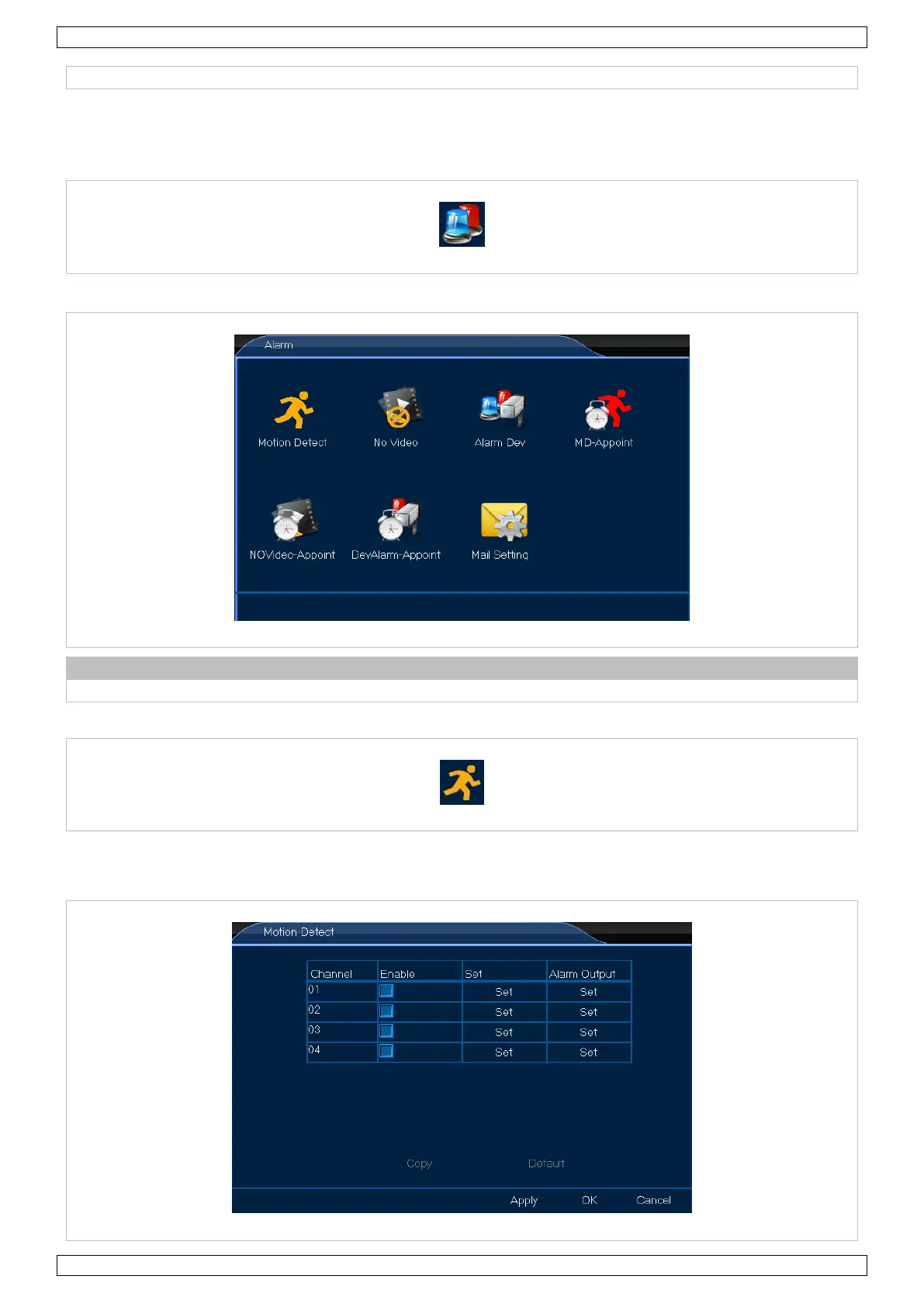
8.4 Alarm
1. Left-click the Alarm icon to enter the menu.
Refer to chapter 7.2.10 Clear Alarm above for more alarm functions.
8.4.1 Motion Detect
The Motion Detect menu allows you to define your motion detection area. Proceed as follows:
1. Left-click the Motion Detect icon to enter the menu.


 To Next Page