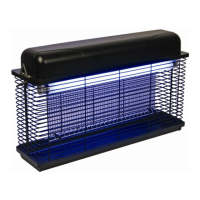
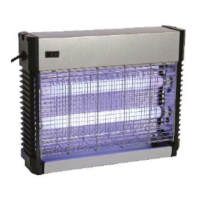
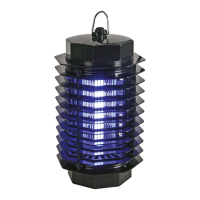
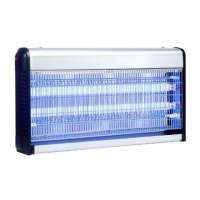
GIK10
V. 03 – 27/05/2014 3 ©Velleman nv
4. Use
Switching the Device On/Off
1. Plug the power cord into a suitable mains outlet.
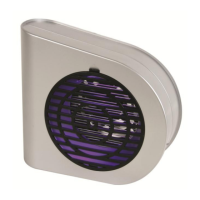
2. Move the switch on the back of the device to the ON position. The LEDs light up and the fan starts
turning.
3. To switch the device off, move the power switch to the OFF position.
5. Cleaning and Maintenance
Warning! Never touch the metal grid with your bare hands. If you need to clean the tray,
follow the safety instructions carefully.
The cleaning frequency depends on the intensity of use. Check the tray of the device at least once a
week. Clean more often if necessary.
5.1 Discharging the Device before Maintenance
1. Unplug the device from the mains.
2. Use a screwdriver with an insulated handle. Make sure you hold the screwdriver by the handle only.
3. Short-circuit the 2 wires of the inner metal grid by gently touching them simultaneously with the
metal shaft of the screwdriver. This may cause a spark.
4. Repeat until no more sparks appear.
5.2 Cleaning the Device
1. Make sure the power switch is in the OFF position and the power plug
is disconnected from the mains outlet before starting any maintenance
activity.
2. Discharge the device (see 5.1).
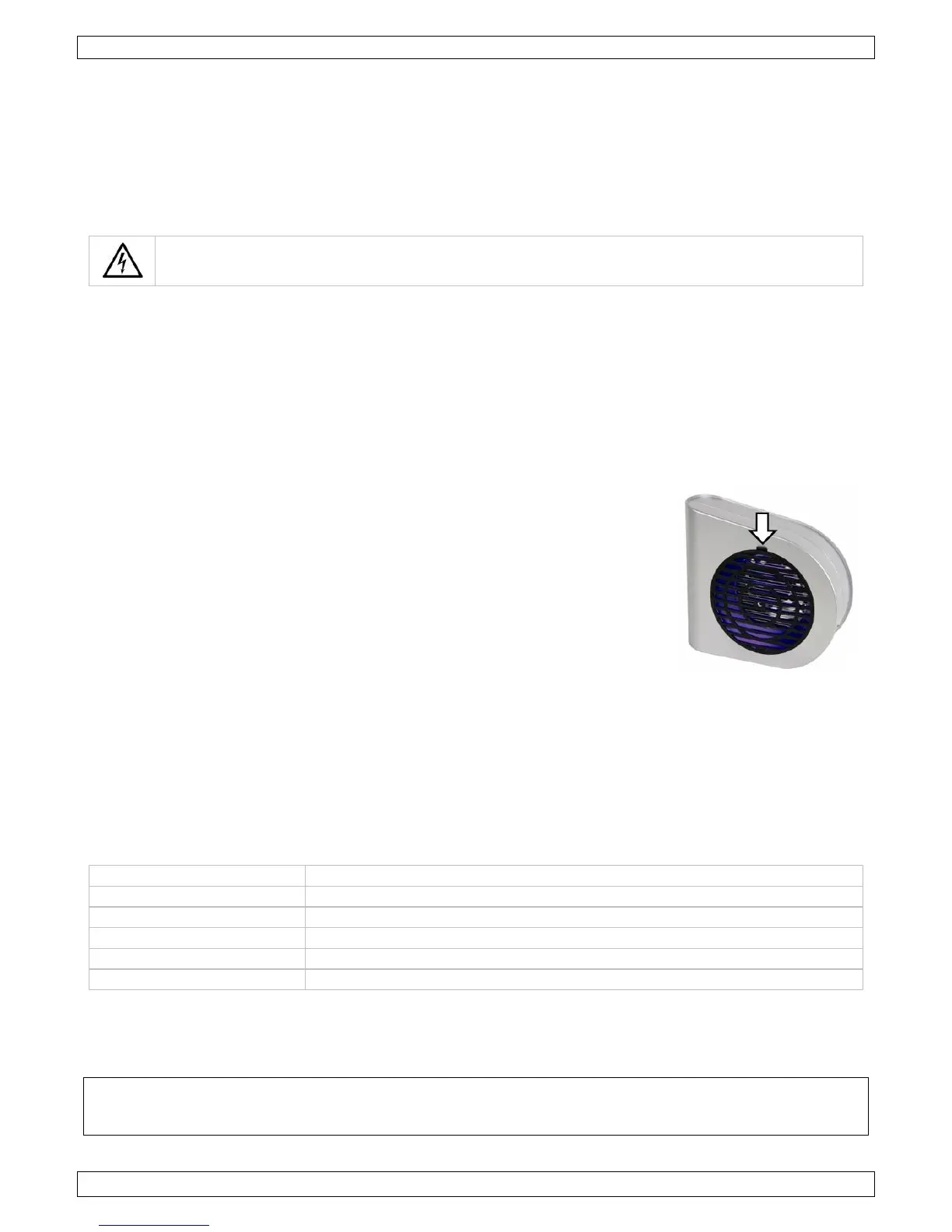
3. Remove the plastic grid: push the top lid of the grid (see arrow) and
pull.
4. Only use a plastic brush to clean the high-voltage grid. Brush gently to
avoid damage.
5. Place the plastic front grid back. Insert the bottom protrusion in the
notch and click the grid in place.
6. Clean the insect killer regularly with a dry, clean cloth and a plastic
brush. Do not submerge in any liquid.
7. Make sure that no dust accumulates on the LEDs, as this will greatly
reduce their effectiveness.
5.3 Maintenance
All screws shall be tightened and free of corrosion.
The housing and its accessories shall not be deformed.
6. Technical Specifications
4 water-clear 5 mm UV LEDs
Use this device with original accessories only. Velleman nv cannot be held responsible in the
event of damage or injury resulting from (incorrect) use of this device. For more info
concerning this product and the latest version of this manual, please visit our website
www.perel.eu. The information in this manual is subject to change without prior notice.
© COPYRIGHT NOTICE – The copyright to this manual is owned by Velleman nv. All worldwide
rights reserved. No part of this manual may be copied, reproduced, translated or reduced to any
electronic medium or otherwise without the prior written consent of the copyright holder.


 To Next Page