Need help?
Do you have a question about the Perfect Prime TC2100 and is the answer not in the manual?
Indicates a situation or action that may cause danger to users and requires strict adherence to procedures.
Situations or actions that may cause damage to the meter, requiring careful usage.
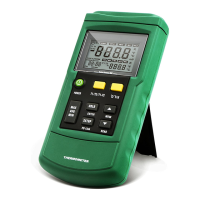
Identifies the physical parts and ports of the thermometer.
Details the functions and indicators on the meter's display screen.
Explains the function of each button on the thermometer.
Explains how to enter and navigate the setup mode.
Details various settings like data interval and probe type.
Instructions for inserting and connecting thermocouple probes.
 General
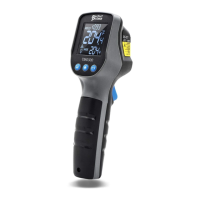
| Type | Infrared Thermometer |
|---|---|
| Temperature Range | -50°C to 2100°C (-58°F to 3812°F) |
| Resolution | 0.1°C / 0.1°F |
| Response Time | 500 ms |
| Distance to Spot Ratio | 50:1 |
| Battery | 9V Battery |
| Auto Power Off | Yes |
| Accuracy | ±1.5°C (±2.7°F) |
| Emissivity | Adjustable 0.1~1.0 |
| Spectral Response | 8-14um |
| Display | LCD |

 To Next Page