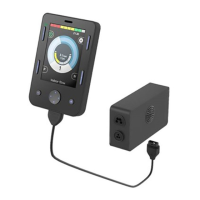
Once the input device is paired and connected, the
following will allow further control of mouse emulation:
• To single-tap on the screen when in Bluetooth mode
on wheelchair: Left nudge of input device
• Alternatives to nudge for single-tap:
• Dwell via iOS, Accessibility > Touch >
AssistiveTouch > Dwell Control > Toggle On
• If a separate external switch is required to click,
utilize external Rnet Bluetooth Mouse Module
• If PJSM on chair, may program external switch on
PJSM as left mouse click via Rnet PC Programming,
Assignable Buttons.
• Additional features can be accessed through the
AssistiveTouch menu (icon on screen). This menu
can be customized based on user needs via settings
menu: Accessibility > Touch > AssistiveTouch >
Customize Top Level Menu
• Up to two “buttons” can be customized via iOS
settings: Accessibility > Touch > Assistive Touch
> Devices > Tap desired “Connected Device” >
Customize Additional Buttons
• Here a right nudge can be customized to one
of several dierent functions (e.g., Open Menu,
Home, etc.)
1. Enable Accessibility shortcut for AssistiveTouch:
Settings > Accessibility > Accessibility Shortcut
2. To enable mouse emulation: Settings > Accessibility
> Touch > AssistiveTouch > Toggle “ON”
3. Add wheelchair Mouse to serve as a pointer device:
Settings > Accessibility > Touch > AssistiveTouch >
Devices > Bluetooth Devices
4. Put wheelchair into discoverable mode as described
under Pairing OMNI 2 with device
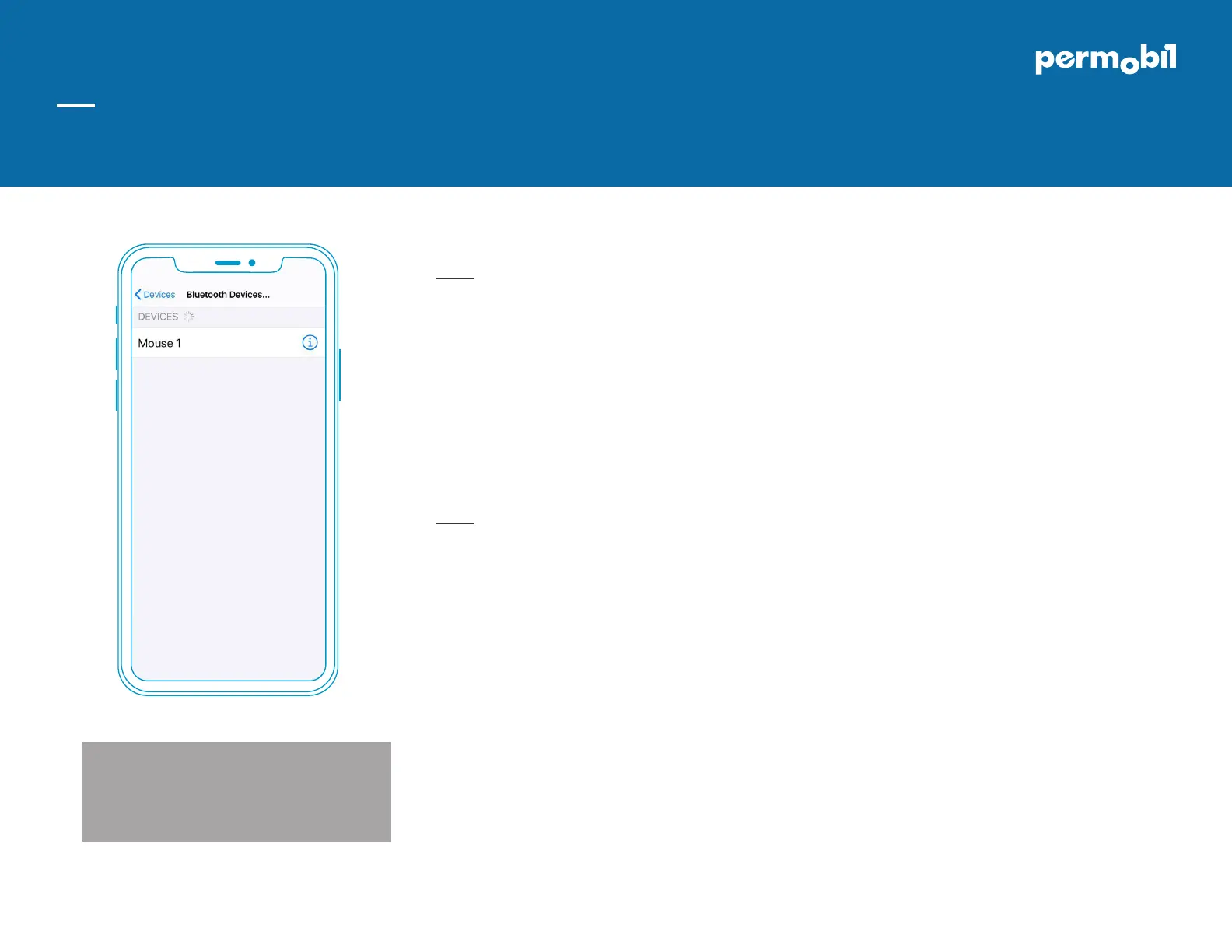
5. Once wheelchair is in discoverable mode, you will
see Mouse 1 or Mouse 2 in your Bluetooth Devices.
Select device to be paired and connected (Image 2)
If you do not see a keyboard while using iOS mouse
emulation, you will need to enable show onscreen
keyboard.
Settings > Accessibility > Touch > Assistive Touch >
Toggle Show Onscreen Keyboard to ON*
DOC0119-00
www.permobil.com
Using input device for mouse controls
Setting up mouse emulation iOS device (iOS 13.0 or later)
Permobil OMNI2 quick start guide
iDevice Bluetooth™ mouse access for iPhone, iPad, & iOS software version 13.0 or later
Image 2


 To Next Page
 Loading...