33
Settings and adjustmentUser Manual VS
Settings and adjustment
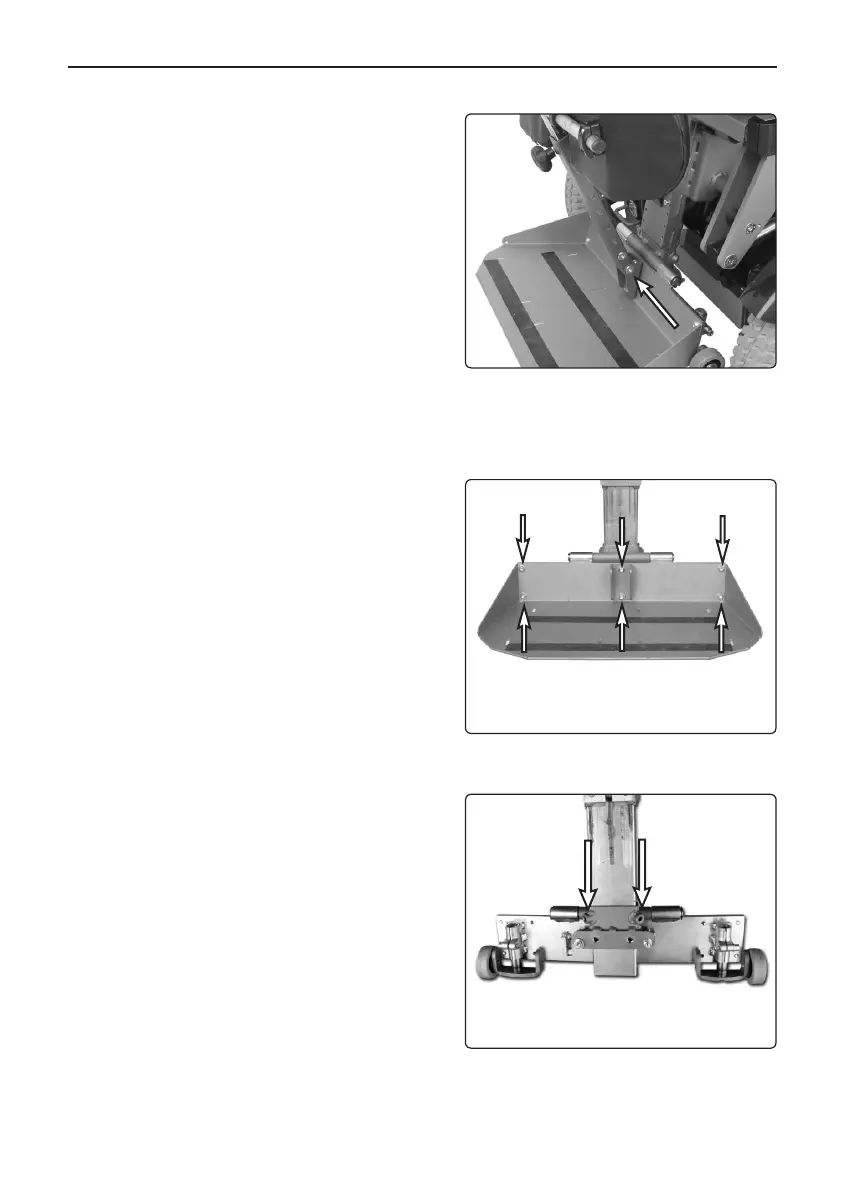
2. Remove the knee support, mounted
with one screw, see Fig. 11.
3. Unscrew the six screws that hold the
foot plate in place, see photo.
4. Release the two locking screws on the
footplate, see photo at the top of the
previous page.
5. Turn the fixing over and remount in
reverse order.
The knee support is mounted
with one screw.
The foot plate is mounted
with six screws.
Leg rest seen from behind.


 To Next Page