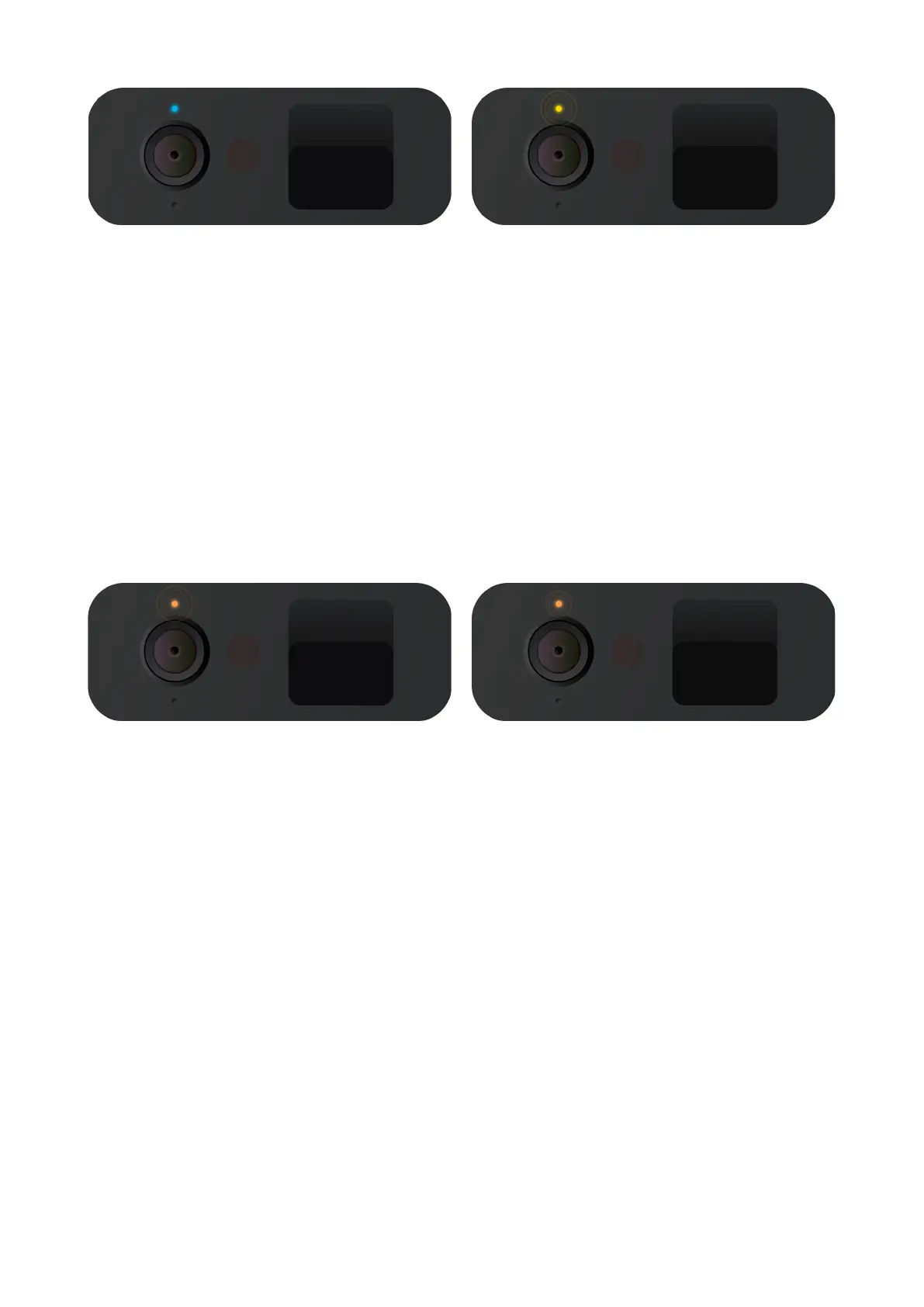
Steady Blue
Play mode. Be aware, mind your
privacy! Petcube Camera is streaming
live video at the moment.
Pulsing Orange
Your Petcube is connected to
a wireless access point but cannot
connect to the Internet because of
the security settings on your network.
Please make sure your router is not
blocking the Petcube with a firewall,
MAC address filtering or other
security settings.
Pulsing Yellow
Your Petcube cannot connect to your
Wi-Fi network because of an incorrect
password.
To change your Wi-Fi password, open
‘Settings,’ go to ‘Wi-Fi and’ follow the
steps on the screen.
Fast Pulsing Orange
Your Petcube is downloading the most
current software update, which usually
takes about 2 minutes.



 To Previous Page