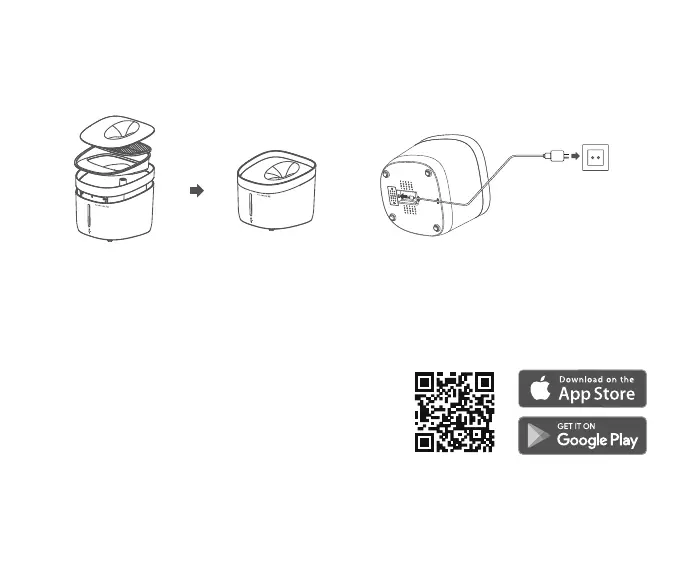
1. Assemble
3. Fill up
Operations
5. Accessories replacing
Please put all parts in the right places according
to the illustration;
Pour water into the bucket. Do not exceed the
max water level.
2. Power on
4. Clean up
Connect the Micro USB cable to the power input
port at the bottom, then connect A/C adapter to
the wall outlet.
Lift the bucket and clean the inside of the bucket.
Quick Setup
It is recommended to replace the filter, foam and
pump's screen sticker regularly.
6. Connect the fountain
Download the Petoneer App and connect the
fountain to your Wi-Fi to monitor and control.
Power on and ensure the Wi-Fi Indicator LED is blinking fast reflecting the device is ready for
joining the Wi-Fi.
Open the Petoneer App and click the '+' button and get walked through the SET-UP steps.
2.
Scan the QR code on the right and download
the Petoneer App which is available on App Store
and Google Play. Click Sign up to get walked
through to create your Petoneer account.
1.



 To Next Page