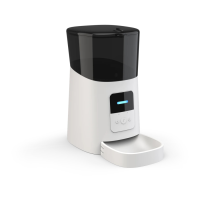
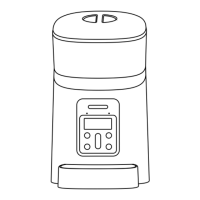
Hardware installation and introduction
1. Open the battery compartment at the bottom of the feeder,
insert the Micro USB power cord into the connector on the
bottom, and extend the power cord out along the designed
wire guide. You can also put in 3 pieces of No. 1 batteries so
that the feeder can still work automatically according to
your scheduled feeding plan even without external power
supply.


 To Next Page