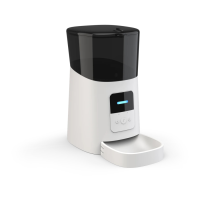
Time settings:
The automatic timing function of the pet feeder
depends on the clock built-in the pet feeder. Please
set the clock inside the pet feeder before setting
feeding.
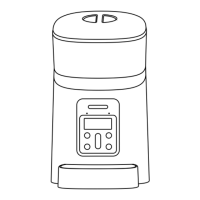
Long press the setting button for 2 seconds,then
enter the set surface,as shown in Fig①. The clock icon
is flashing.
Press to confirm to enter the time setting. The
clock icon is flashing as shown in Fig②
Use the up/down selection buttons to set the
clock.(Time 24-hour clock)You can quickly press the
up/down selection button for fast setting.
Press to confirm the time, as shown in Fig.
③
Then the minute start to flash, as shown in fig.④,You can
press the up/down selection button for setting.
Then press to confirm/Save, back.


 To Next Page