8 Customer Care Center 1-800-732-2677
2. The Progressive Correction mode starts at the lowest level (Level 0) and progresses to the
next level (to a maximum of Level 9) each time your dog barks within 30 seconds of the
previous bark. If your dog does not bark again within 30 seconds, the correction level will
automatically reset to Level 0.
3. The User-Selected Correction mode allows you to manually select the correction level (0-9).
Note: In User-Selected mode, always start training at the lowest level of correction (Level 0).
Watch how your dog reacts, and if necessary, progress to the next correction level.
Note: As a built-in safety feature, if your dog barks 15 times or more within an 80 second period,
the Bark Control Collar will automatically shut off for 3 minutes. This safety feature is active in all
three modes of operation.
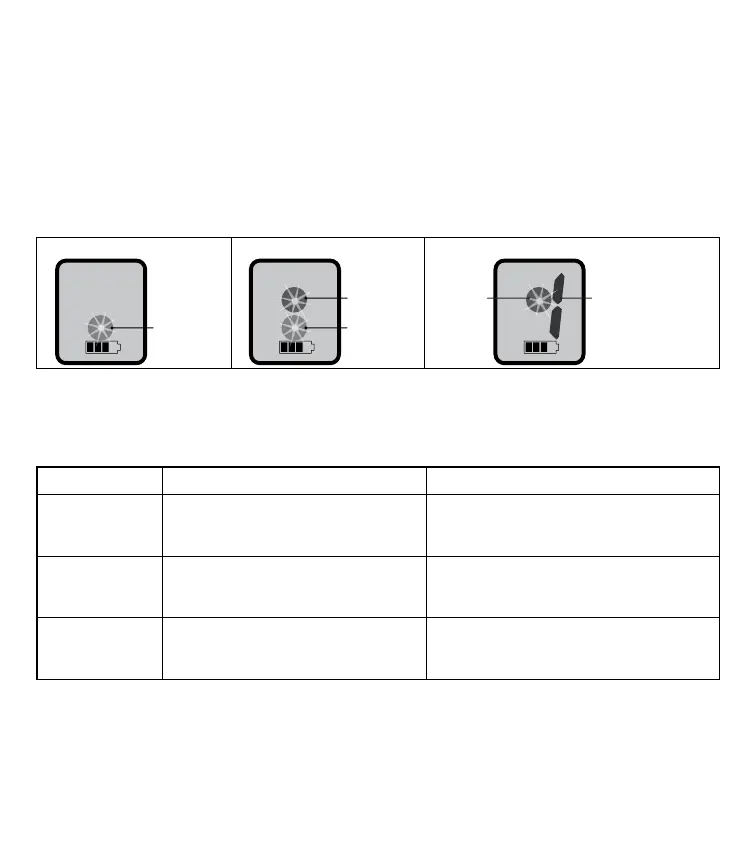
Temperament Learning Progressive Correction User-Selected Correction
Note: When the operating mode is changed, the correction level is automatically reset to Level 0.
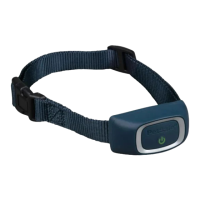
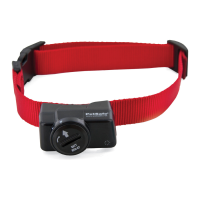
The Rechargeable Bark Control has a single Settings Button that allows you to turn the unit on
and off, display or change the current correction mode, and change the correction level. The
following table describes how to perform the different tasks.
Task Steps to perform Indications
Turn the unit on
Press and release the settings button
while the unit is off.
The light will flash green five times and
then display the current correction mode
as described on previous page.
Turn the unit off
Press the settings button until the
display goes blank and the red light
appears. Release the button.
*
The light will flash red four times and the
unit will turn off.
Display current
correction mode
Press and hold the settings button
for less than 2 seconds before
releasing it.
The unit will display the current correction
mode and battery condition, as described
on previous page.
Green ligh
Blue light
Green ligh
t
Number indicates
active correction leve



 To Next Page