18
Battery Status Notification
Every time you turn the headset on, you will
hear the battery status notification. There are
3 battery levels reported:
“Battery High”: 100% to 66% battery life
“Battery Medium”: 66% to 33% battery life
“Battery Low”: 33% to 0% battery life
While the headset is already turned on, you
can trigger the battery status notification
manually by briefly pressing “+” and “-” at
the same time.
The headset will start to report “Battery
Low” automatically, once the battery life
reaches 5 to 10 minutes before automatic
shutdown.
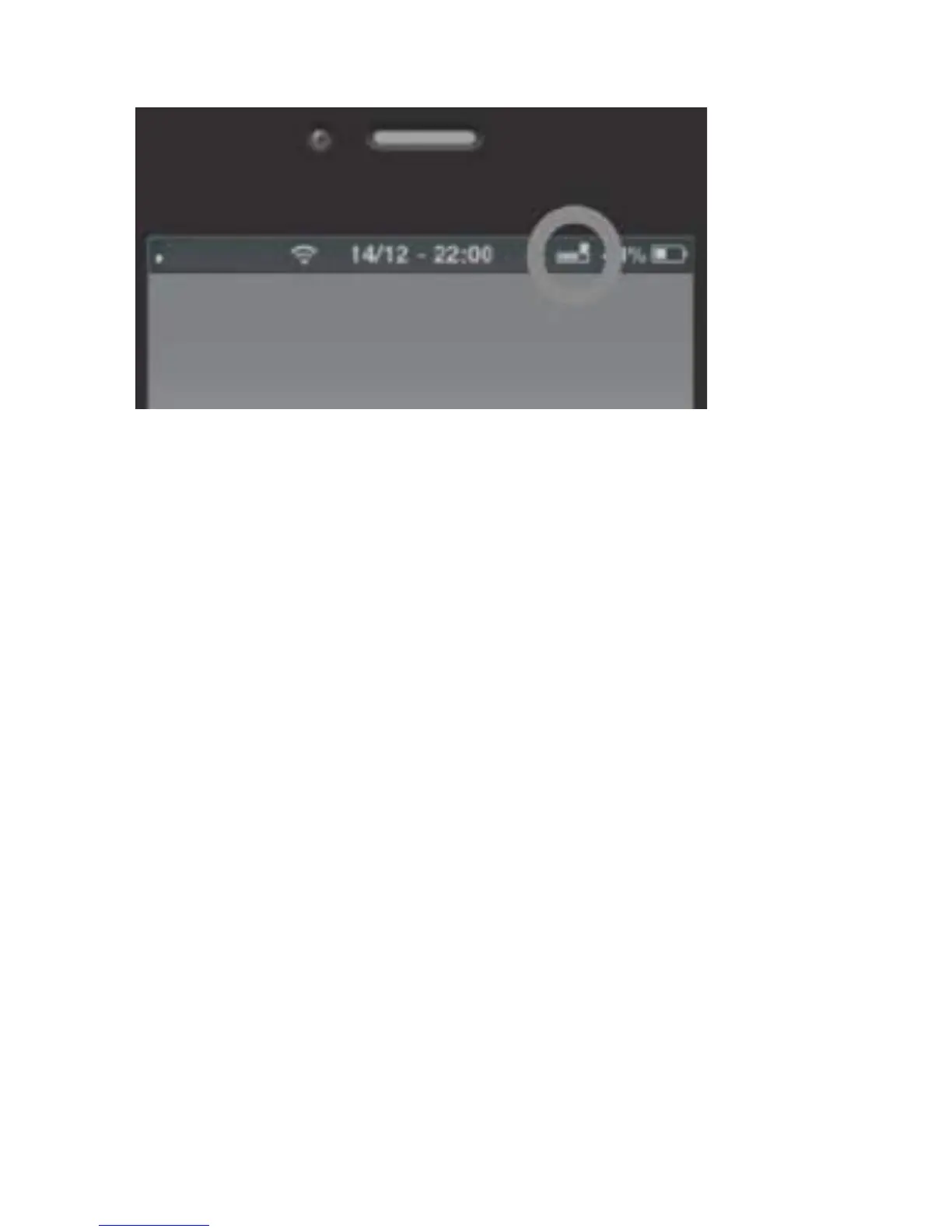
On iOS and some newer Android devices,
you will be able to see the battery level of
the headset in the upper right corner near
the Bluetooth-symbol.



 To Next Page