HOW TO CONNECT?
Slide the Power Switch to ON position
to turn the headset on. As soon as
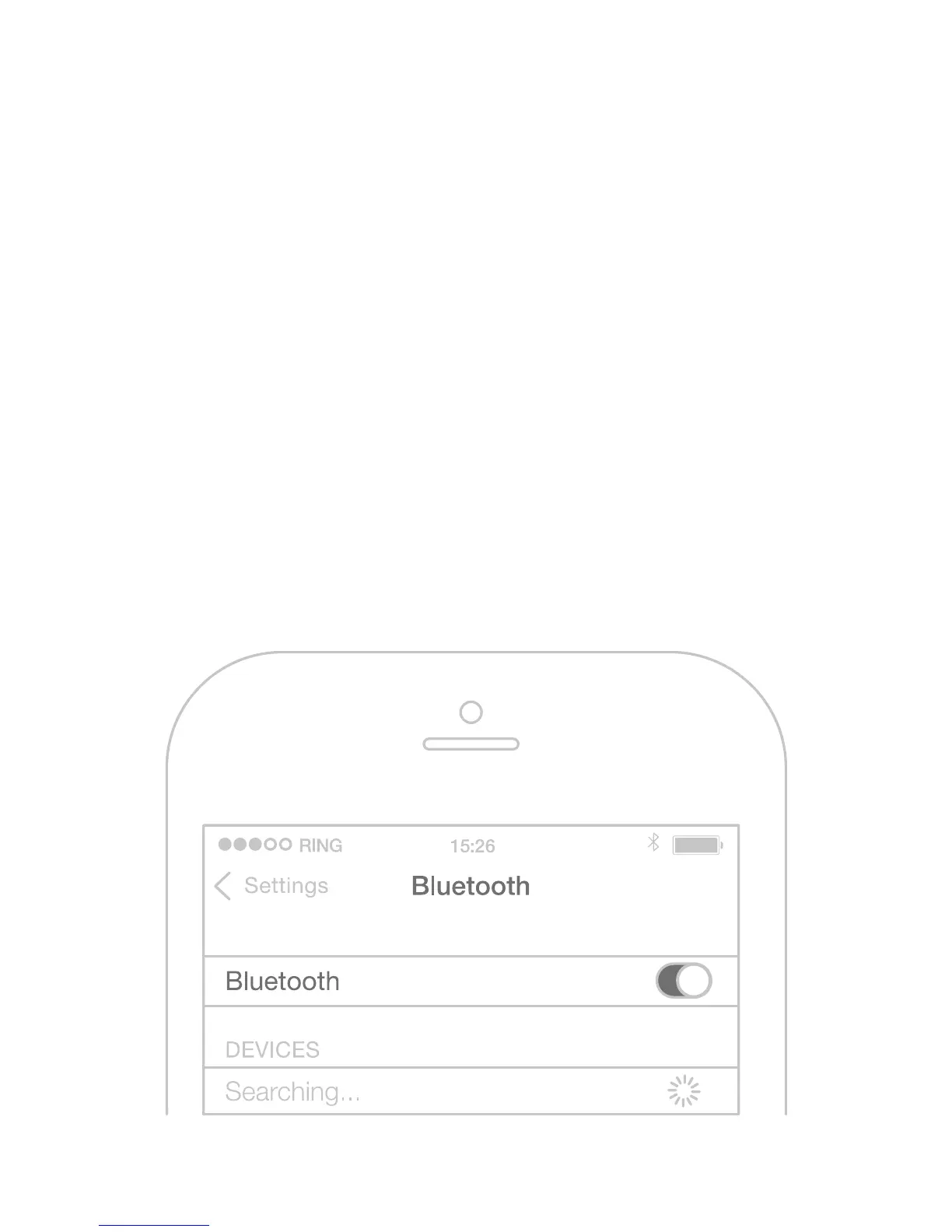
you hear the „Power On“ message, go
to the Bluetooth menu of your phone.
Search for new Bluetooth devices
and select „BHS-750“. If something
doesn‘t work, try turning your phone‘s
Bluetooth o and on again.



 To Next Page