9|
ON / OFF-FUNCTION
Hold the middle control button for 2s to
turn the headset on. You will hear the
audio message “Power On”. You will
see the indicator LED turn blue for a
short time, then turn o if automati-
cally reconnected to your phone or
stay blue while in pairing mode.
To turn the headset o, hold the midd-
le control button for 3s. You will hear
the “Power O” message. The indica-
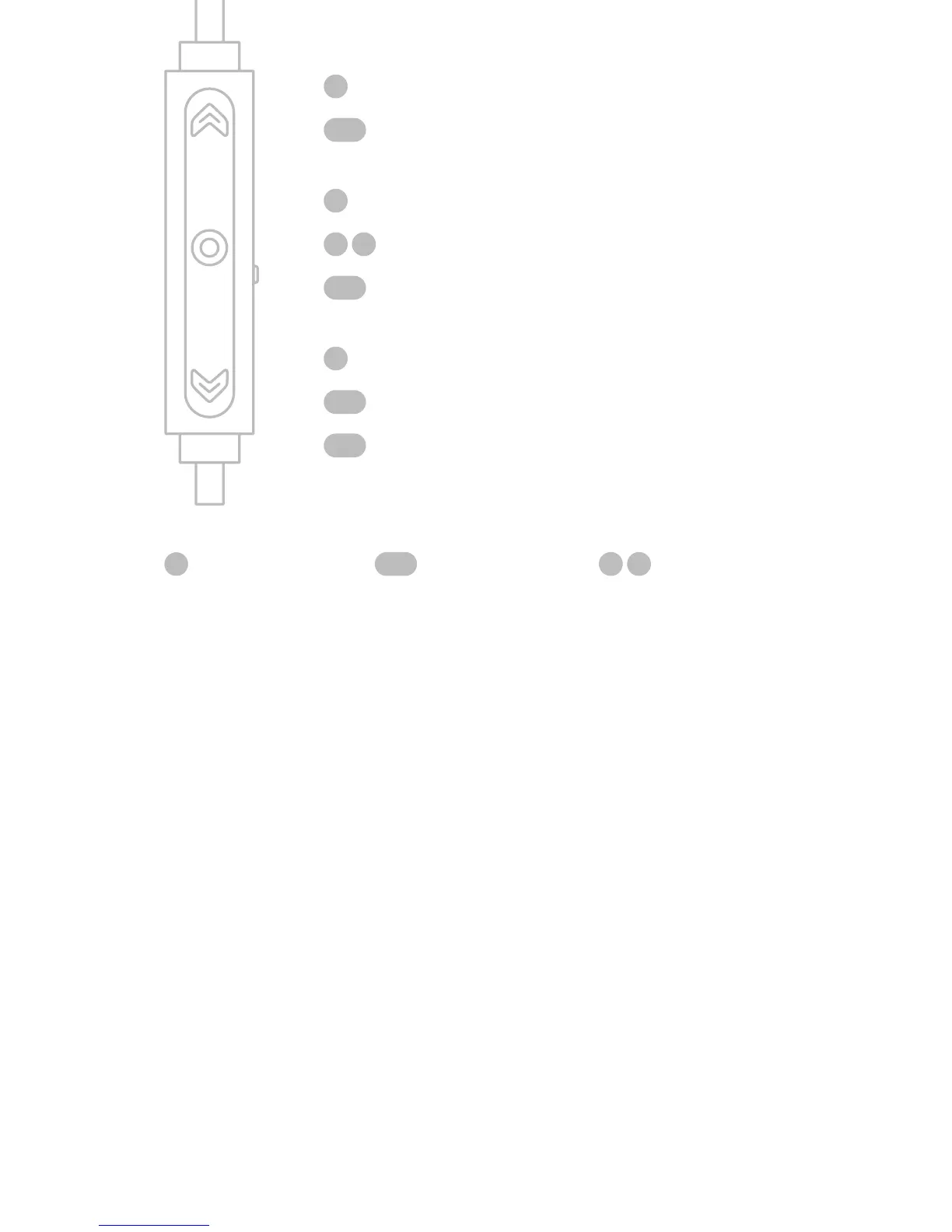
Vol+
Skip forward
Accept call/Play/Pause
Voice assistant
On/O
Vol-
Skip backward
Mute/Unmute
single click long press
double click



 To Next Page