5
ABOUT PHANTOM REACTOR
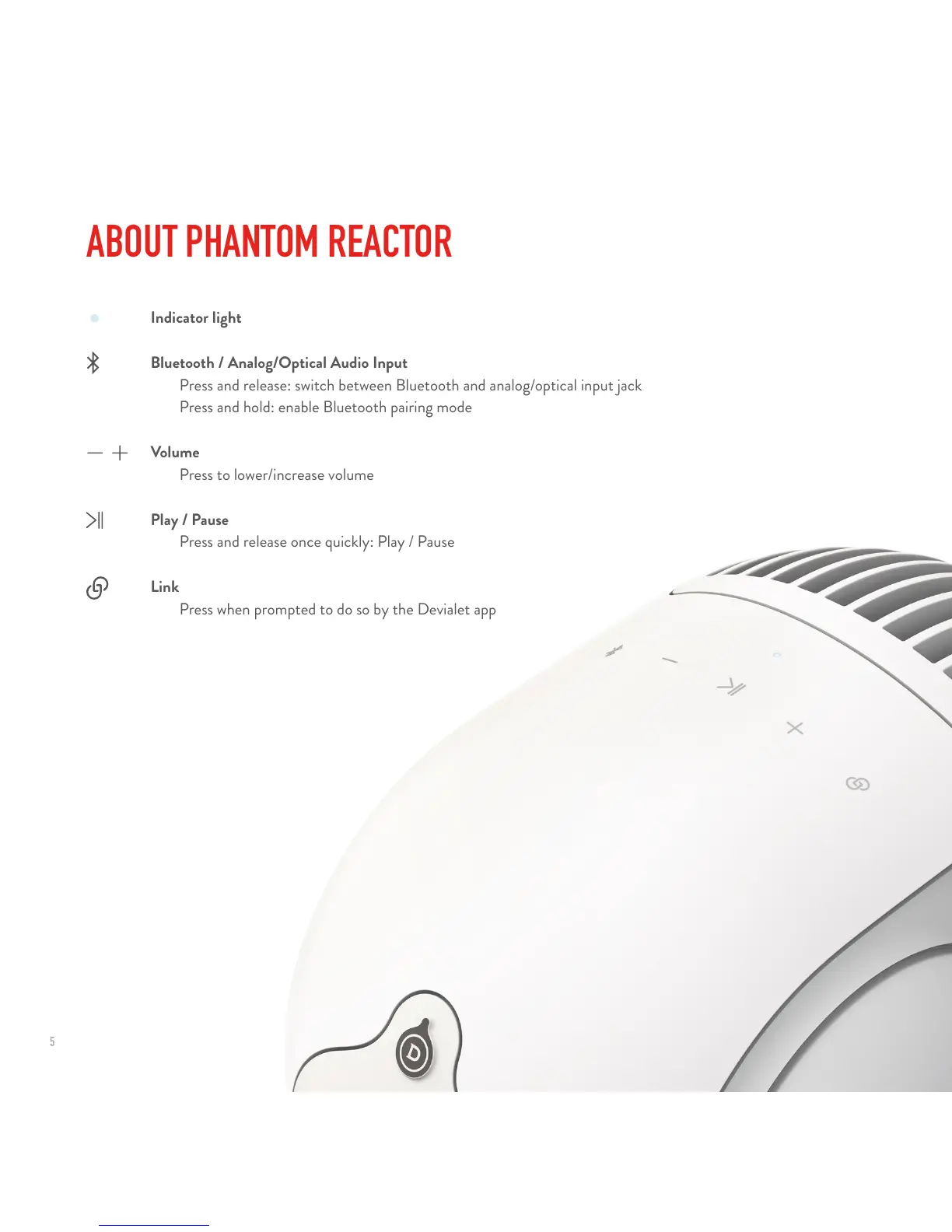
Indicator light
Bluetooth / Analog/Optical Audio Input
Press and release: switch between Bluetooth and analog/optical input jack
Press and hold: enable Bluetooth pairing mode
Volume
Press to lower/increase volume
Play / Pause
Press and release once quickly: Play / Pause
Link
Press when prompted to do so by the Devialet app



 To Next Page