5
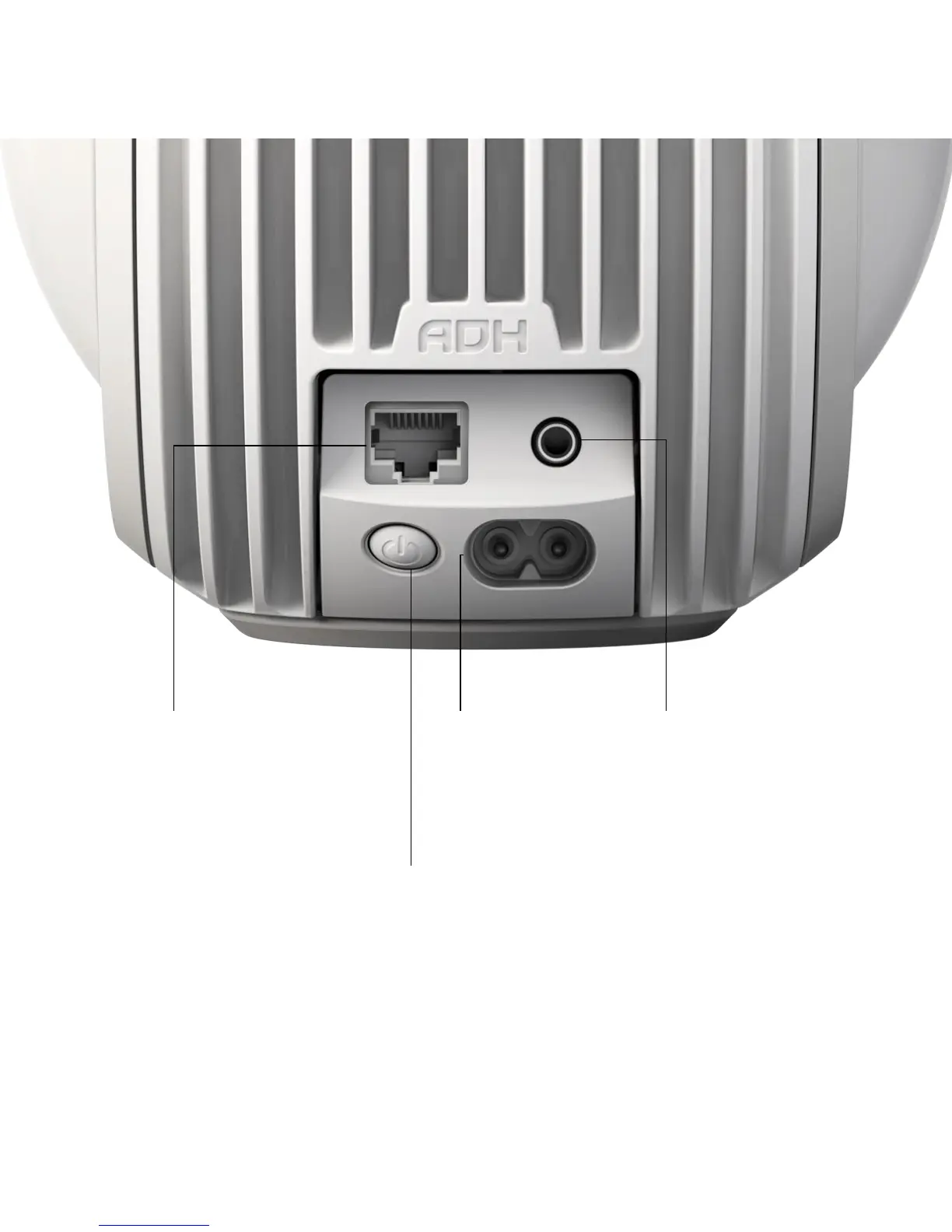
Rear button
Press and release for 2 seconds: Standby mode
Press and release once quickly (system in standby mode): Power on
Press and release once quickly (system switched on): Indicates status
Press and release three times quickly: Enable setup mode
Press and hold for 7 seconds: Reset Phantom Reactor.
A/C Input
Connect to a power socket
Analog/optical audio jack
Connect to your TV,
Blu-ray player, MP3 player...
Ethernet
Connect to your router using
an Ethernet cable for greater
network stability.



 To Next Page