9
3. PLAYING MUSIC
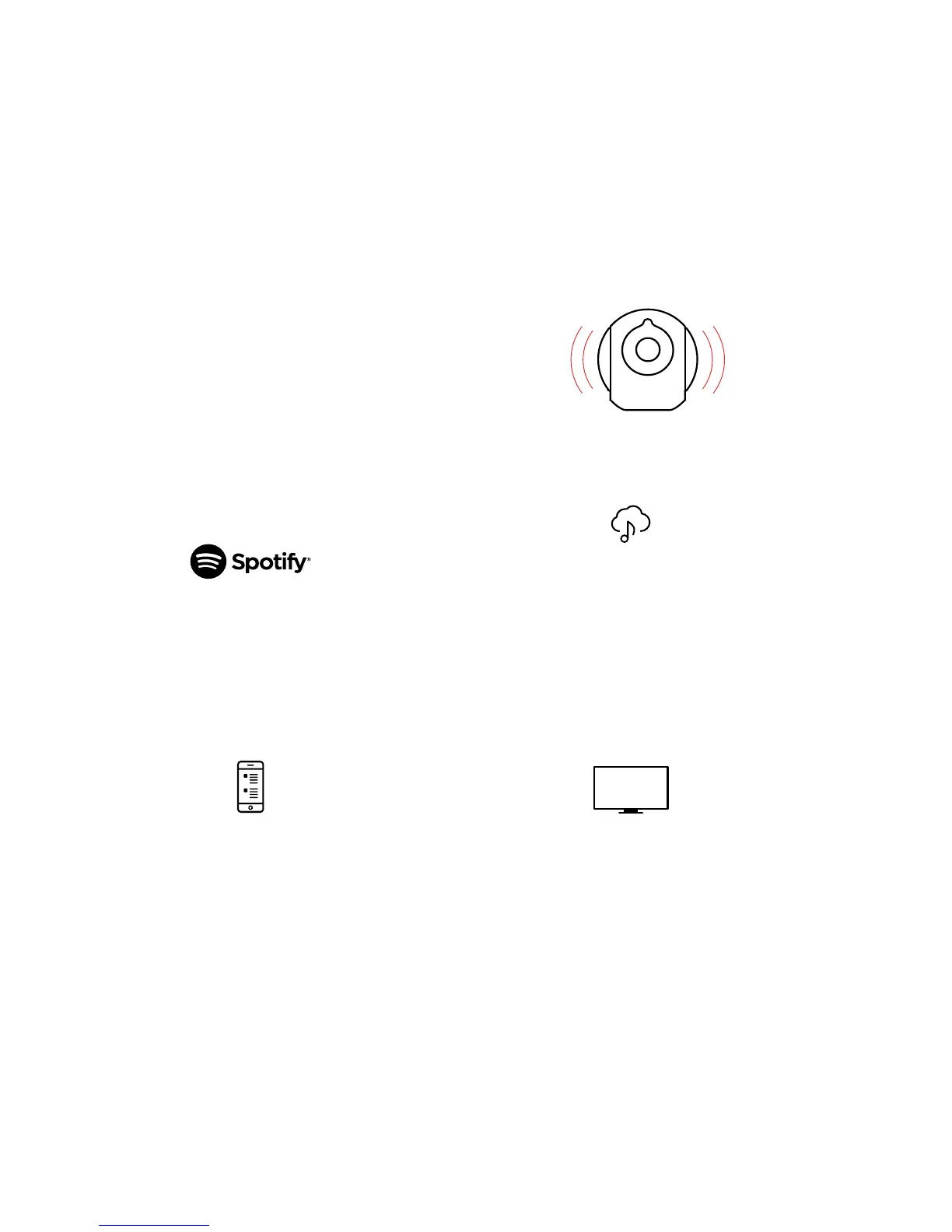
Phantom Reactor lets you enjoy your music in a variety of ways.
We recommend the following depending on your preferred
sources and listening habits.
Please refer to the corresponding section for detailed tutorials
on each use case.
We recommend:
Spotify Connect
We recommend:
1. AirPlay
®
2. Bluetooth
3. UPnP
We recommend:
1. AirPlay
®
(iOS / macOS users only)
2. Bluetooth
We recommend:
Analog/Optical
Audio Input Jack
E.g. audio files on your phone,
computer, NAS...
E.g. Apple Music, Tidal, Qobuz,
Deezer, SoundCloud, YouTube…
E.g. TV, Blu-ray player,
MP3 player…
WHAT DO YOU LISTEN TO?
LOCALLY-STORED MUSIC
STREAMING SERVICES
AUDIO DEVICE



 To Next Page