H 10
M645 Getting Started
3 Getting ready for
taking pictures
Mounting the viewfinder mask
The image area of the Mamiya 645AF is approximately 6 cm
x 4.5 cm. The image area of the H 10 M645 is 2.4 cm x 3.6 cm.
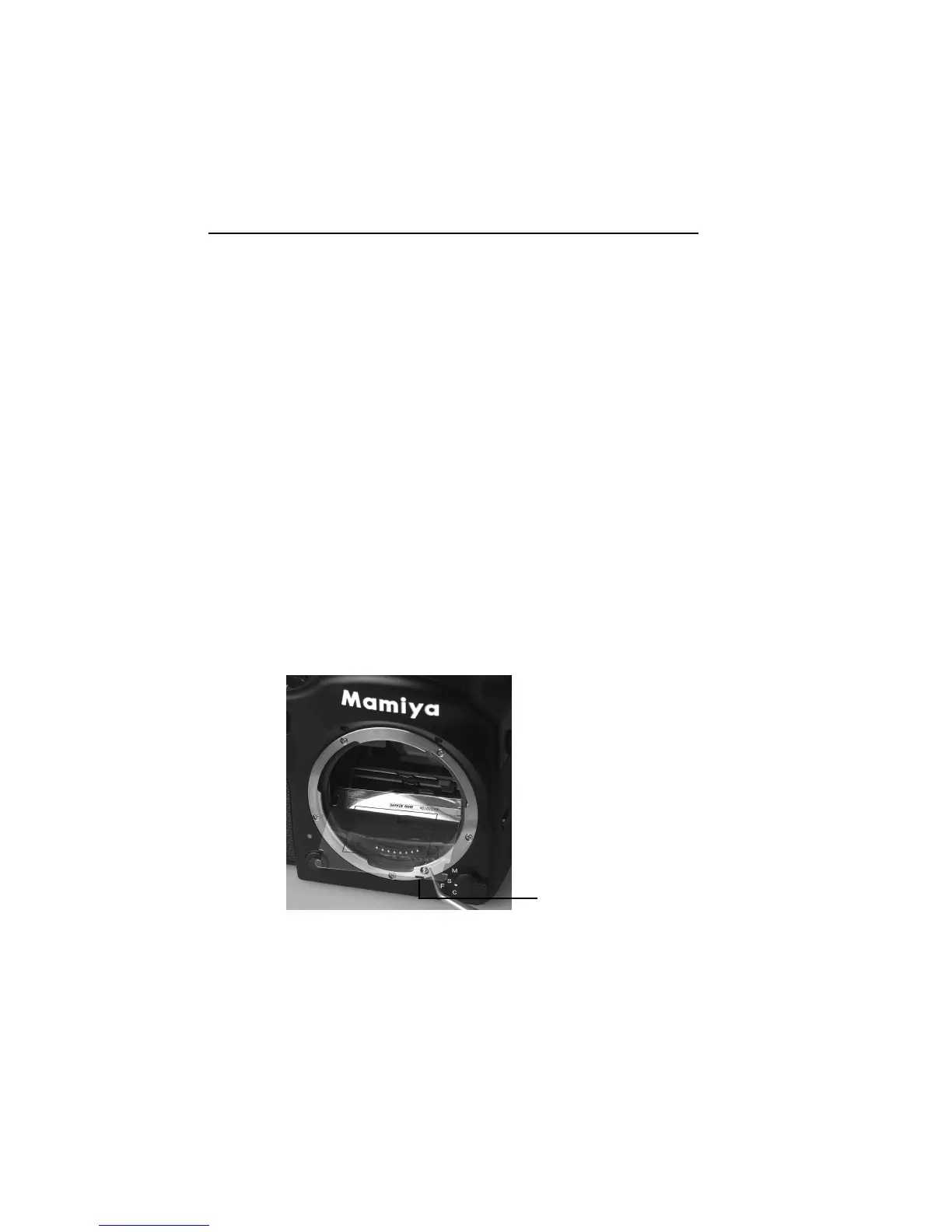
A H 10 M645 viewfinder mask is provided. This mask has to
be mounted beneath the original focusing screen. The
viewfinder mask is positioned in the bracket that holds the
focusing screen. Please refer to the Mamiya 645 AFD In-
structions “Changing the focus screen” before the
focus screen is mounted.
The black mark on the
mask must be orien -
tated to the left front
corner of the bracket.
6



 To Next Page