f. If used neutralizer during AutoZ, go to “SXI/AutoZ” tab and uncheck
“Neutralizer” and “Ion Gun Neut.”
g. Watcher -> Press Pump Intro so V4 closes and turbo again pumps
the intro chamber.
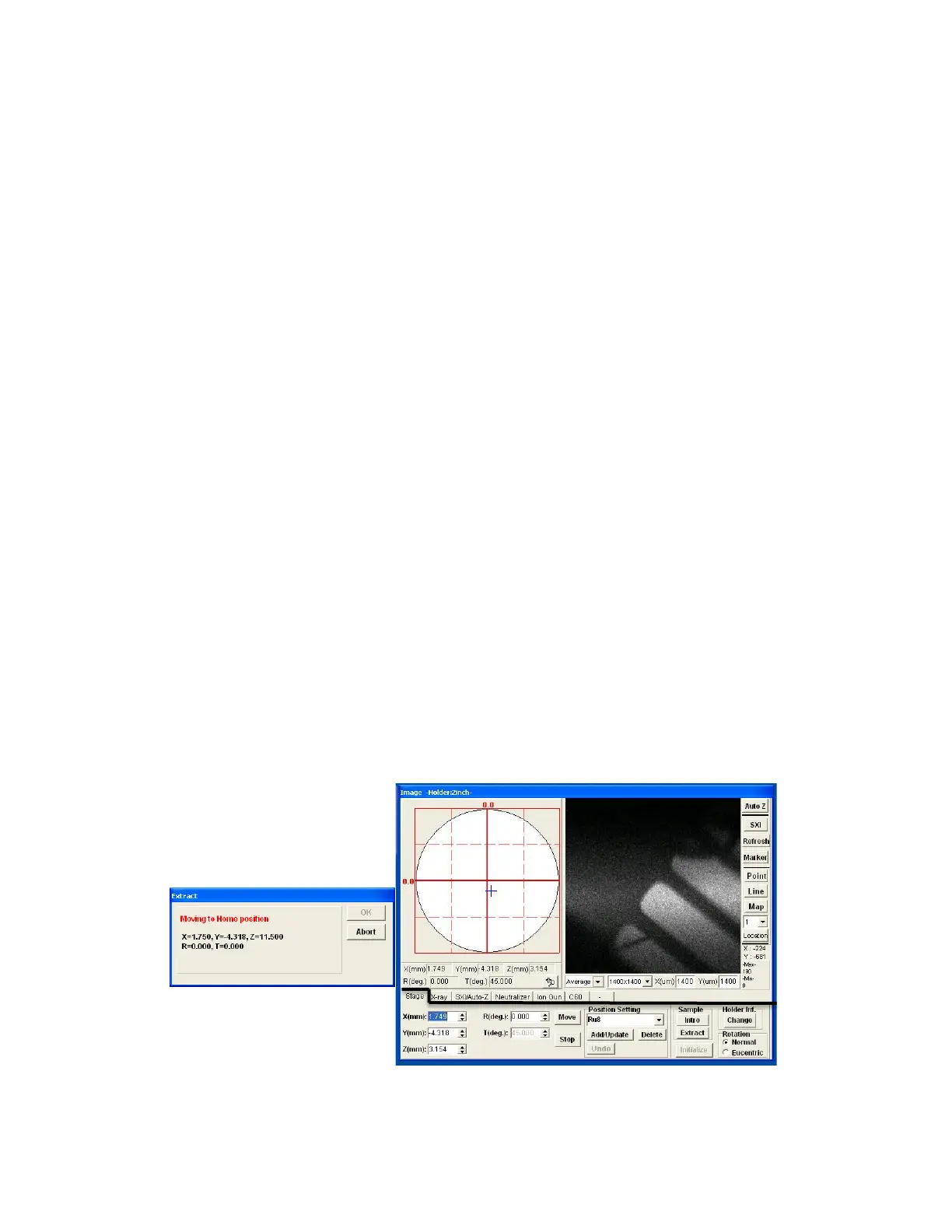
VIII. Sample Extraction (See Figures 10-11).
1. Summitt-> Image window-> Press Extract. Sample stage will lower, return
to original X, Y and R settings, and then rise to a high Z position.
2. Watcher -> Push Transfer Sample
• A “Task Message” window will open. Press Yes to confirm sample
transfer.
• Gate valve (V1) will open. Wait until white line has moved to “open”
position on gate valve to confirm before moving transfer rod.
• Another “Task Message” window will open prompting to insert
sample. Carefully push transfer rod into chamber and sliding it
until the stop position. Fork should slide onto sample holder.
• Push OK on Task Message Window.
3. Summitt -> Push Down [Z] in the “Intro” dialog box. The stage will move
Z down away from sample holder. The “Intro” dialog box will indicate that
the stage is moving.
• If the stage is safely below the sample, carefully pull the transfer
rod out of the chamber to the stop position.
• The gate valve (V1) will automatically close.
4. Watcher -> Press Backfill Intro. Will close valve over turbo pump and
open N2 gas to fill chamber.
• With gloves on, remove sample and replace cap.
5. Watcher -> Press Pump Intro.
• Ensure that Intro chamber is pumped before leaving tool.
• Disable in Badger.
FIG 10: Summit “Image” Window, Stage Tab—Extract Procedure


 To Next Page
 Loading...