EN - 6
05/2013
Copyright © 2013, Fast ČR, a. s.
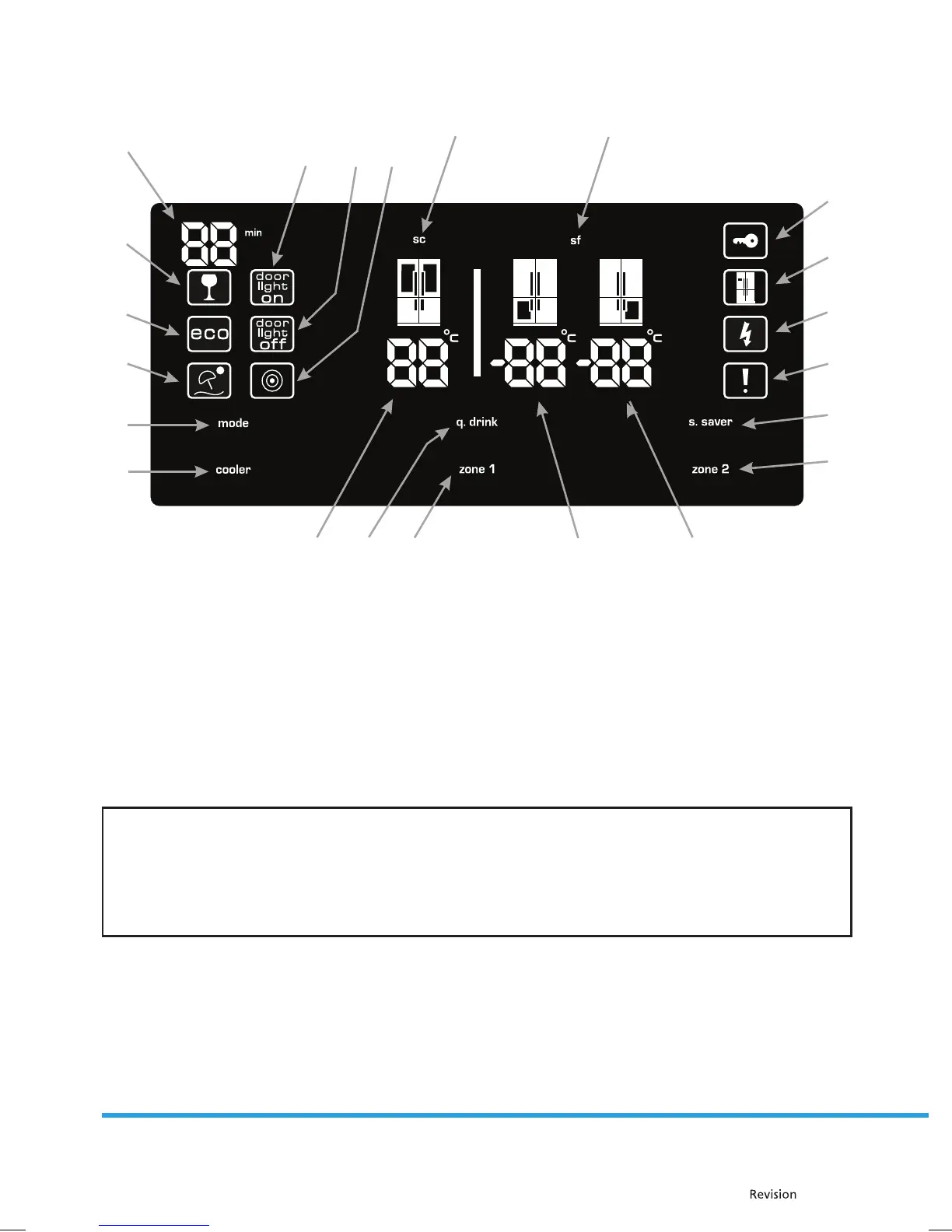
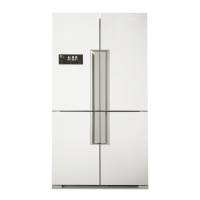
Control panel
1. 21. 22. 2. 3.
13.
14.
15.
16.
17.
18.
5.4.
12.11.10.
6.
7.
8.
9.
19.
20.
1. Temperature in the refrigerator area
2. Temperature in the left part of the freezer section
3. Temperature in the right part of the freezer section
4. SuperCool symbol
5. SuperFreeze symbol
6. Display of the set time in the QDRINK mode
7. QDRINK symbol
8. Economy mode symbol
9. Holiday mode symbol
10. Door light on symbol
11. Door light o symbol
12. Night sensor
13. Child safety lock
14. Dealer demo mode
15. Low voltage noti cation
16. Warning
17. Display screensaver button
18. Zone 2 (right freezer)
19. Mode selection button
20. Cooler
21. QDRINK mode
22. Zone 1 (left freezer)
NOTE:
10. turning on the door light / 11. turning o the door light" are optional functions. The door light on / o
symbols are located on refrigerators equipped with this function.
The values on the display indicate the temperature values selected by the user.
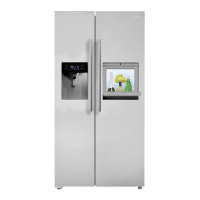
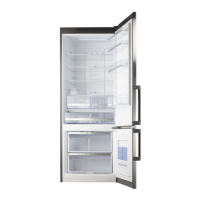
Pictures are for illustration purposes only, some parts may di er from the nal appliance due to
improvements made to the appliance during its production.


 To Next Page