EasyManua.ls Logo

Philco TB100HH9 - User Manual

Philco TB100HH9
32 pages
Print Icon
To Next Page IconTo Next Page
Loading...
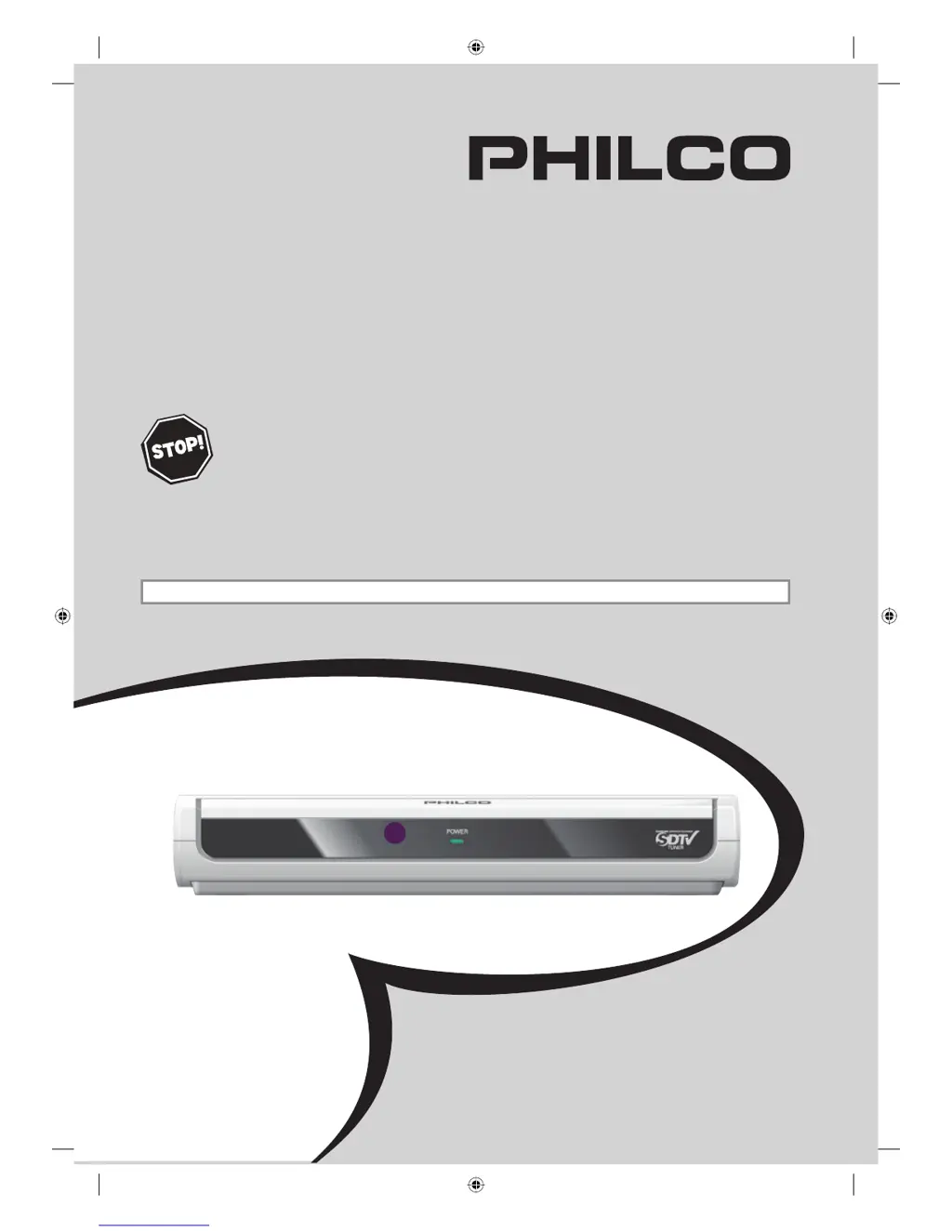
Owner's Manual
TB100HH9
DTV Digital to Analog Converter
(Set Top Box)
THANK YOU FOR CHOOSING PHILCO.
N
EED HELP FAST?
READ YOUR OWNER'S MANUAL FIRST FOR QUICK TIPS
THAT MAKE USING YOUR PHILCO PRODUCT MORE ENJOYABLE.
IF YOU HAVE READ YOUR INSTRUCTIONS AND STILL NEED ASSISTANCE,
YOU MAY ACCESS OUR ONLINE HELP AT HTTP://WWW.FUNAI-CORP.COM
OR CALL 1-800-317-6062 WHILE WITH YOUR PRODUCT.
INSTRUCCIONES EN ESPAÑOL INCLUIDAS.
© 2007 Funai Electric Co., Ltd.
X6032UD_Book.indb 1X6032UD_Book.indb 1 11/28/2007 4:34:11 PM11/28/2007 4:34:11 PM

Other manuals for Philco TB100HH9

Questions and Answers

  • C
    Curtis MurphyAug 19, 2025
    What to do if my Philco Set-top box has no audio or picture?
    • J
      Jessica StoneAug 19, 2025
      If there is no audio or picture on your Philco Set-top box, verify the following: * Ensure the audio/video cables are correctly connected. * Confirm that your TV is turned on. * Select the correct viewing channel (ch3 or external input channel) on your TV. * Check that the cables are not damaged. * Ensure the “RF OUT” setting is correct.
  • D
    debramillerAug 21, 2025
    Why is my Philco Set-top box not responding to the remote control?
    • A
      ahamiltonAug 21, 2025
      If your Philco Set-top box isn't responding to the remote, here are a few things to check: * Make sure you're pointing the remote at the remote control sensor. * Try moving closer to the Set-top box. * Remove any obstructions between the remote and the sensor. * Verify the batteries are installed correctly (+ and –). * Replace the batteries; they may be depleted.
  • J
    James MitchellAug 23, 2025
    How to fix blocked noise on picture on Philco Set-top boxes?
    • E
      Emma HamiltonAug 25, 2025
      If you're experiencing blocked noise on the picture with your Philco Set-top box, ensure that the RF cable is connected correctly.
  • E
    elizabeth33Aug 26, 2025
    What to do if Philco Set-top box has no power?
    • K
      Karen HowardAug 26, 2025
      If your Philco Set-top box has no power, make sure that the AC power cord is securely plugged into the power outlet.
  • K
    Kevin JonesAug 27, 2025
    Why is the volume low on my Philco Set-top box?
    • W
      watsonsaraAug 27, 2025
      The sound volume may differ depending on the audio out setting. Select “RF OUT” at step 5 in the “Initial Setup (Setup Wizard)”.
  • A
    Andrew WilliamsonAug 30, 2025
    How to fix wrong EPG information on Philco TB100HH9?
    • S
      Steven ArnoldAug 30, 2025
      To correct inaccurate EPG information on your Philco Set-top box, ensure that “D.S.T” and “TIME ZONE” are set correctly.
  • G
    Gina MorrisAug 31, 2025
    What to do if Philco Set-top box has no picture?
    • T
      tiffany87Aug 31, 2025
      If your Philco Set-top box isn't displaying a picture, ensure the video cable is correctly connected and that your TV or monitor is turned on and set to the correct STB video output channel. Check the video cable itself, as well as the antenna and RF cable for any damage or interference.
  • A
    Austin MartinezSep 2, 2025
    How to fix Philco Set-top box no power?
    • R
      Robert KellerSep 2, 2025
      If your Philco Set-top box has no power, ensure the AC power cord is securely plugged into the power outlet and that the POWER indicator is lit.
  • N
    nicole88Sep 4, 2025
    Why is there no sound on my Philco Set-top box?
    • D
      Dr. Andrew CarlsonSep 5, 2025
      If you're experiencing no sound with your Philco Set-top box, check that the audio cable is correctly connected and that your audio devices (stereo, TV, or decoder) are turned on. Also, ensure these devices are correctly set to the STB audio output channel. If your TV has only one audio input, use a standard audio cable (white) to connect the audio output jack (white) on the STB to the audio input jack on the TV.
  • E
    Elaine ThomasSep 7, 2025
    What to do if Philco Set-top box has no reception?
    • D
      Dominique LandrySep 7, 2025
      If your Philco Set-top box has no reception, make sure to complete autoscan in the “SETUP WIZARD” or in the “SETUP” menu. This is required when you set up the STB for the first time or when the STB is moved to a location where other channels are broadcast. Also, if autoscan is interrupted and not completed, some channels will not be received. Note that the selected channel may not exist at that time.

Summary

BEFORE USING

Important Safeguards

Safety and operating instructions for appliance use.

Location of Controls

Identification and function of remote control and device buttons.

CONNECTIONS

Connecting an Antenna

Instructions for connecting the STB to an antenna.

Connecting to TV

Guide for connecting the STB output to a television.

INITIAL SETUP

Setup Wizard Guide

Step-by-step process for initial STB configuration.

BASIC OPERATION

Selecting Channels and Sub-channels

How to navigate and select digital channels, including sub-channels.

ADVANCED OPERATION

Channel Management (Adding;Deleting)

Managing the channel list by adding or removing channels.

OTHERS

Troubleshooting Guide

Solutions for common STB problems and their remedies.

QUICK REFERENCE GUIDE

Initial Setup Wizard (Quick Guide)

Simplified steps for initial STB setup.

Philco TB100HH9 Specifications

General IconGeneral
ModelTB100HH9
CategorySet-top box
ManufacturerPhilco
TunerATSC
Video OutputHDMI, Composite
Resolution1080p
USB PortYes
Audio OutputHDMI