2-1-1 Device reset locally notification:
When PAC01 is reset manually, it will send a DEVICE_RESET_LOCALLY_NOTIFI-
CATION to the nodes of group 1
3. Firmware update over the air (OTA)
PAC01 is based on 500 series SoC and supports Firmware Update Command
Class, it can receives the updated firmware image sent by controller via the Z-
wave RF media. It is a helpful and convenient way to improve some function if
needed.
1. Command Classes
The Switch supports Command Classes including…
Command Class Version Required Security Class
Z-Wave Plus Info 2 None
Version 3 Highest granted Security Class
Manufacturer Specific 2 Highest granted Security Class
Security 2 1 None
Device Reset Locally 1 Highest granted Security Class
Association 2 Highest granted Security Class
Association Group Information 1 Highest granted Security Class
Powerlevel 1 Highest granted Security Class
Basic 1 Highest granted Security Class
Firmware Update Meta Data 4 Highest granted Security Class
Thermostat setback 1 Highest granted Security Class
Supervision 1 None
Transport Service 2 None
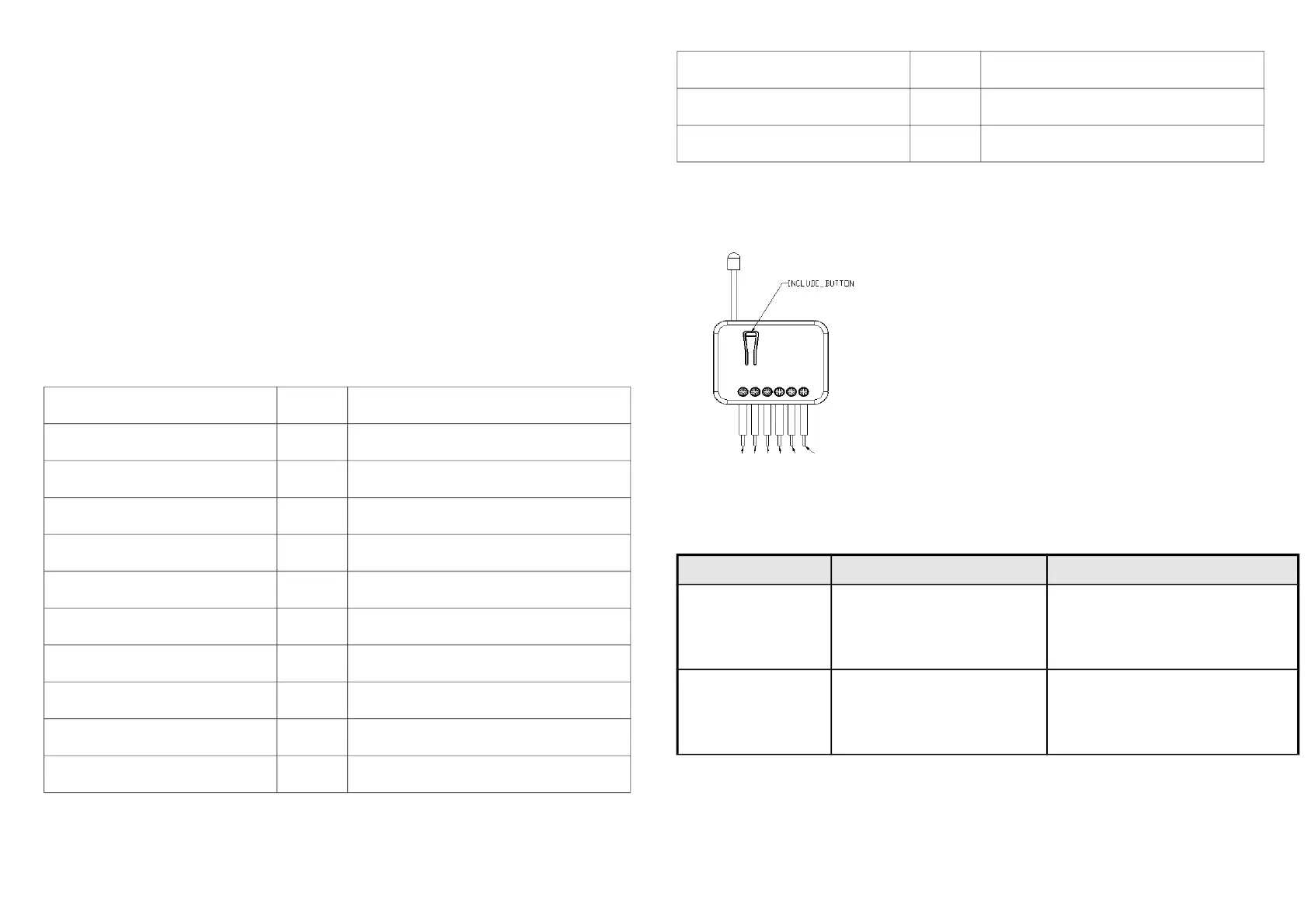
Product Overview
Troubleshooting
Symptom Cause of Failure Recommendation
The Adapter does not
work and LED off
1.The Adapter does not connect
the electrical wire properly
2.The Adapter break down
1. Check power connections
2. Don’t open up the Adapter and send
it for repair.
The Adapter cannot
report to the group
1. Not carry out association
2. Same frequency interference
1. Carry out association
2. Wait for a while to re-try
4



 To Next Page