EasyManua.ls Logo

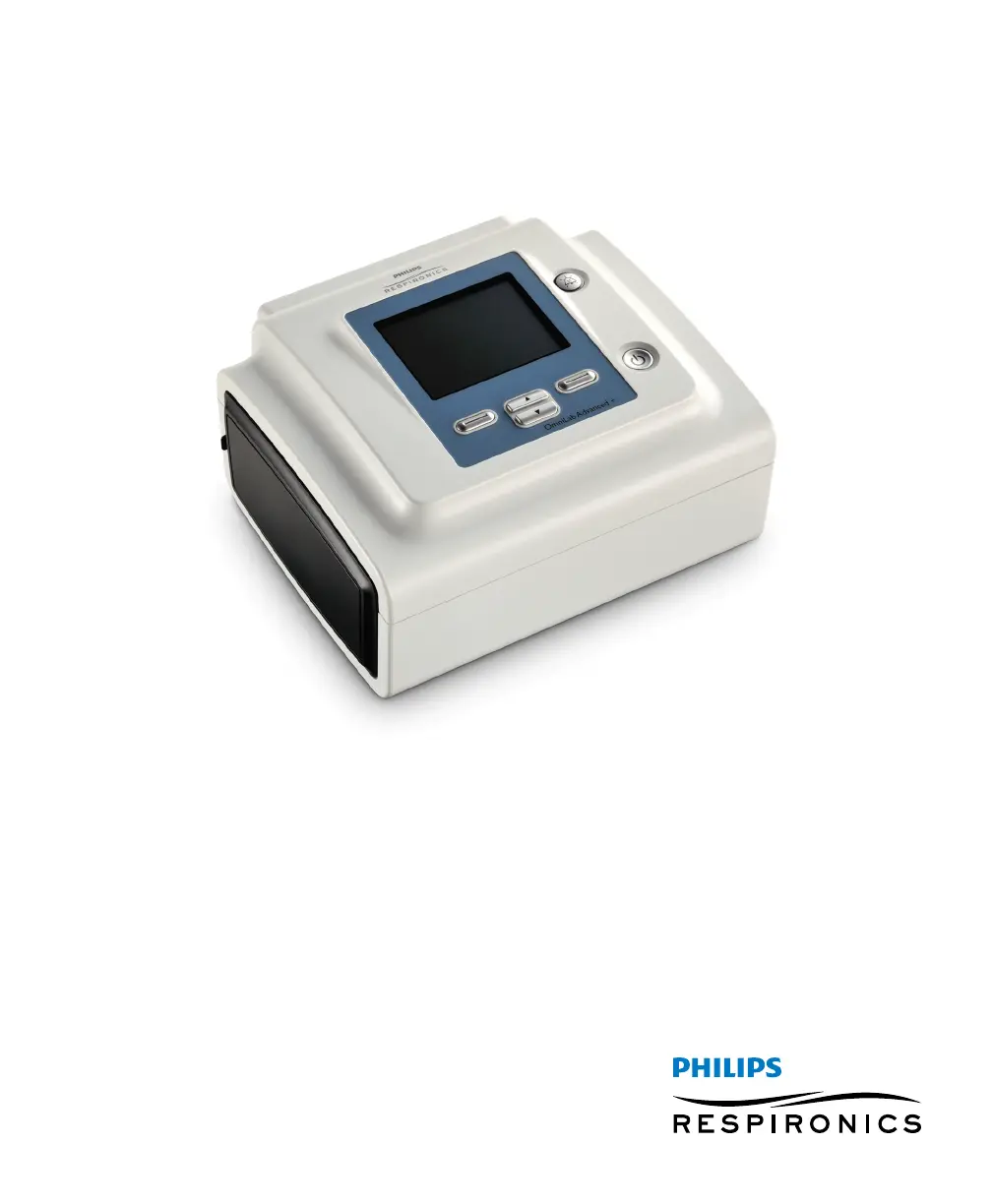
PHILIPS Respironics OmniLab Advanced + - User Manual

PHILIPS Respironics OmniLab Advanced +
52 pages
Print Icon
To Next Page IconTo Next Page
Loading...
OmniLab Advanced +
Clinical Manual

Questions and Answers

  • B
    benderconnieJul 25, 2025
    Why isn’t the airflow turning on in my PHILIPS Respironics Personal Care Product?
    • B
      Brian RobinsonJul 25, 2025
      Ensure the device is properly powered. Check that it's not in Standby mode, as airflow is disabled in this mode. Press the Therapy button to activate therapy.
  • R
    Rebecca YoungAug 3, 2025
    How to fix my PHILIPS Respironics Personal Care Product if it isn’t turning on and the backlight on the buttons does not light?
    • B
      Brandon CunninghamAug 4, 2025
      If using AC power: Check the outlet and ensure the device is properly plugged in. Verify power is available at the outlet and that the AC power cord is correctly connected to both the power supply and the device's power inlet. If using an external power source: Ensure the DC power cord and battery adapter cable connections are secure. Check the battery; it may need recharging or replacement. If the problem persists, inspect the DC cord’s fuse following the instructions provided with the DC cord, and replace it if necessary.
  • R
    Robert MartinezAug 13, 2025
    Why is the airflow much warmer than usual in my PHILIPS Respironics Personal Care Product?
    • T
      Timothy RobertsAug 14, 2025
      The air filters might be dirty. Clean or replace them. The room temperature can also affect the air temperature, so ensure the device is well-ventilated and away from direct sunlight, heating equipment, bedding, or curtains that could block airflow. If you're using a humidifier, verify its settings and ensure it's working as intended according to its instructions.

Summary

Introduction and System Overview

Safety Warnings and Precautions

Important safety information, warnings, cautions, and handling guidelines.

Contraindications and Patient Precautions

Conditions for non-use and potential side effects of therapy.

Therapy Modes and Features

Device Setup and Operation

Changing Device Settings and Alarms

Guide to changing various device settings and alarm parameters.

Device Alarms and Maintenance

Alarm Indicators and Silencing Procedures

Visual and audible alarm indications, and how to silence alarms temporarily.

Alarm Descriptions and Actions

Detailed explanations of device alarms and informational messages.

Alarm Summary and Troubleshooting Steps

Summary tables of alarms and procedures for alarm verification.

Cleaning, Service, and Accessories

Troubleshooting and Specifications

Common Device Problems and Solutions

Lists common device issues and their corresponding troubleshooting steps.

PHILIPS Respironics OmniLab Advanced + Specifications

General IconGeneral
CategoryPersonal Care Products
ManufacturerPhilips Respironics
ModelOmniLab Advanced+
Weight2.5 kg
Power SupplyAC power
ConnectivityEthernet
CompatibilityCompatible with various sensors and accessories

Related product manuals