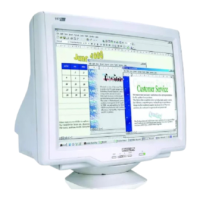
Installing your Monitor
Front View • Rear View • 6G3B11 Multimedia Base (option)
Front View
Power button switches your monitor on.
OK button which when pressed will take you to the OSD controls
Contrast hotkey. When the "-" button is pressed, the adjustment
controls for the CONTRAST will show up.
Brightness hotkey. When the "+" button is pressed, the adjustment
controls for BRIGHTNESS will show up.
file:///D|/EDFU/crt_17_6/edoc/english/install_6/INSTALL.htm (1 of 3)2005-04-08 ¤W¤È 11:21:35



 To Next Page