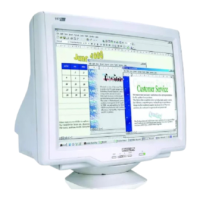
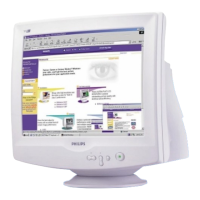
the monitor screen. If you see this message, you can select to abort or continue the installation.
However, if you continue the installation, LightFrame™ will probably not work on the monitor.
How to use LightFrame™
After installation, LightFrame™ starts up automatically whenever the computer is started.
For information about using LightFrame™ please refer to the help information which is available
after installation.
Compatibility
This version of LightFrame™ is compatible with
Windows® 95
Windows® 98
Windows® Me (Millenium Edition)
Windows® XP
Windows® 2000 Professional Edition.
LightFrame™ 3 -- Frequently Asked Questions (and answers)
LightFrame™
Q: Is LightFrame™ 2 compatible with LightFrame™ 3?
A: No. If you run LightFrame™ 1 or 2 software with a Philips LightFrame™ 3 monitor, nothing
will happen.
Q:Can I use LightFrame™ 3 software on my LightFrame™ 1 / 2 monitor.
A:No for a LightFrame™ 1 or 2 monitor you need to use LightFrame™ 1 or 2 software. It is
however possible to use the LightFrame™ 2 software on a LightFrame™ 1 monitor.
file:///D|/EDFU/crt_17_5/edoc/ENGLISH/107P/PRODUCT/PRODUCT.HTM (3 of 12)2005-04-07 ¤U¤È 03:58:31



 To Next Page