Installing your Monitor
Front View • Rear View • 6G3B11 Multimedia Base (option) • PCUH411 USB Hub (option)
Front View
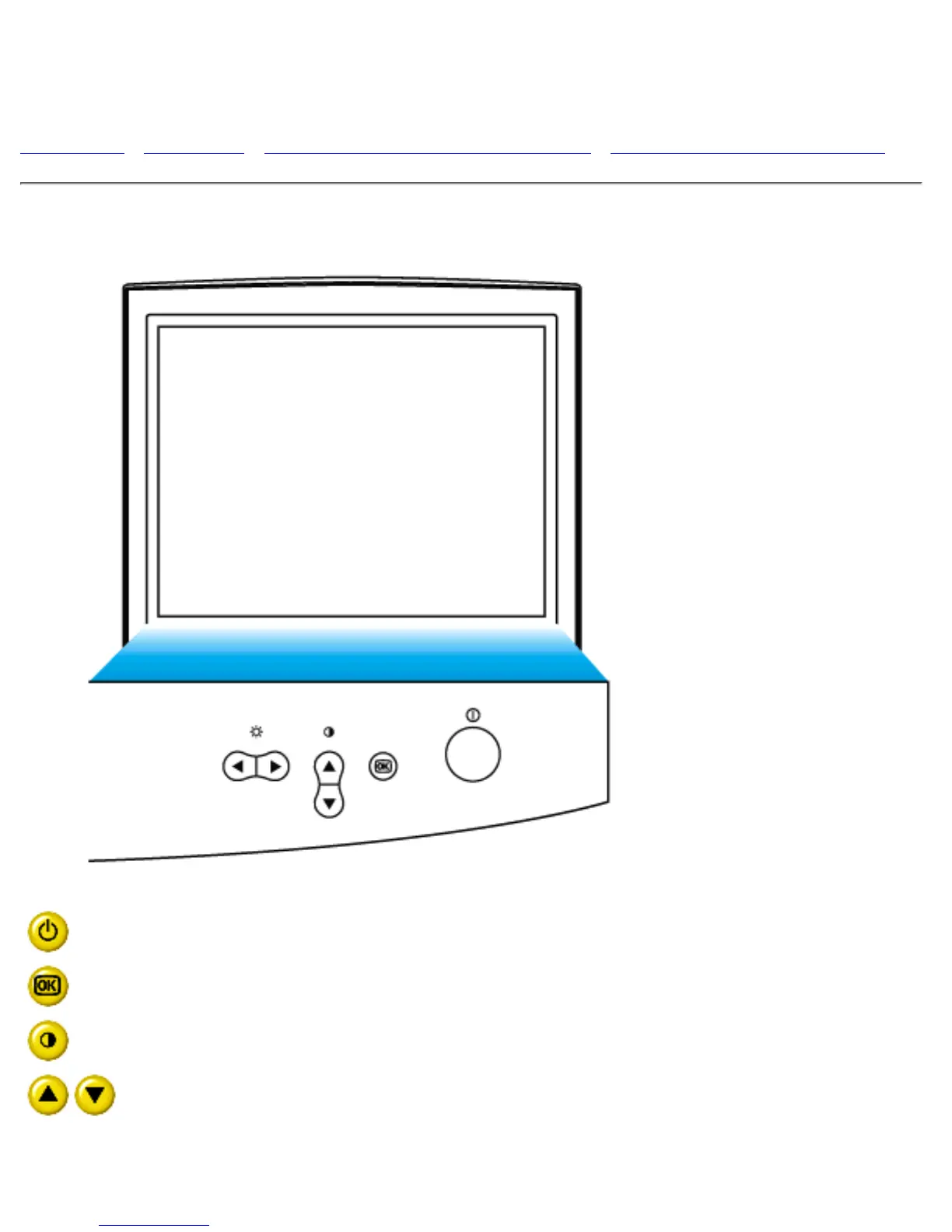
Power button switches your monitor on.
OK button which when pressed will take you to the OSD controls
Contrast hotkey. When the UP arrow is pressed, the adjustment controls
for the CONTRAST will show up.
UP and DOWN buttons are used when adjusting the OSD of your monitor
file:///C|/rita wu/gs3LF/ENGLISH/107S/install/install.htm (1 of 3) [10/12/2000 1:45:14 AM]



 To Next Page