Installing your LCD Monitor
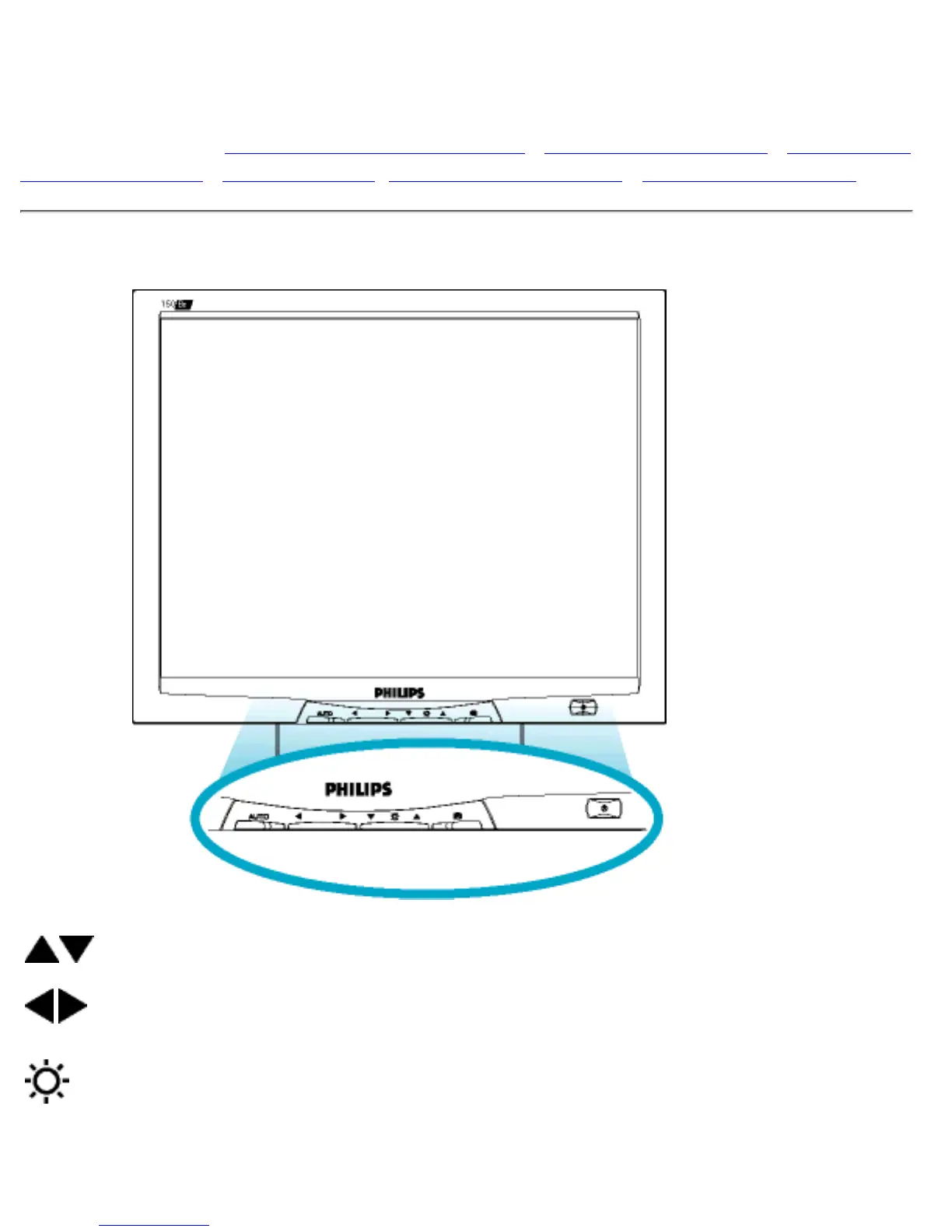
Your LCD Monitor : Front View Product Description • Connecting to Your PC • Remove and
Re-install the Base • Getting Started • Optimizing Performance • Accessories (optional)
Front View Product Description
UP and DOWN buttons are used when adjusting the OSD of your monitor
LEFT and RIGHT buttons, like the UP and DOWN buttons, are also used
in adjusting the OSD of your monitor.
BRIGHTNESS hotkey. When the UP and DOWN arrow buttons are
pressed, the adjustment controls for the BRIGHTNESS will show up.
file:///D|/03771/english/150b3bty/install/install.htm (1 of 2) [9/13/2002 12:36:16 PM]



 To Next Page