HUDSON 9
9
Demo
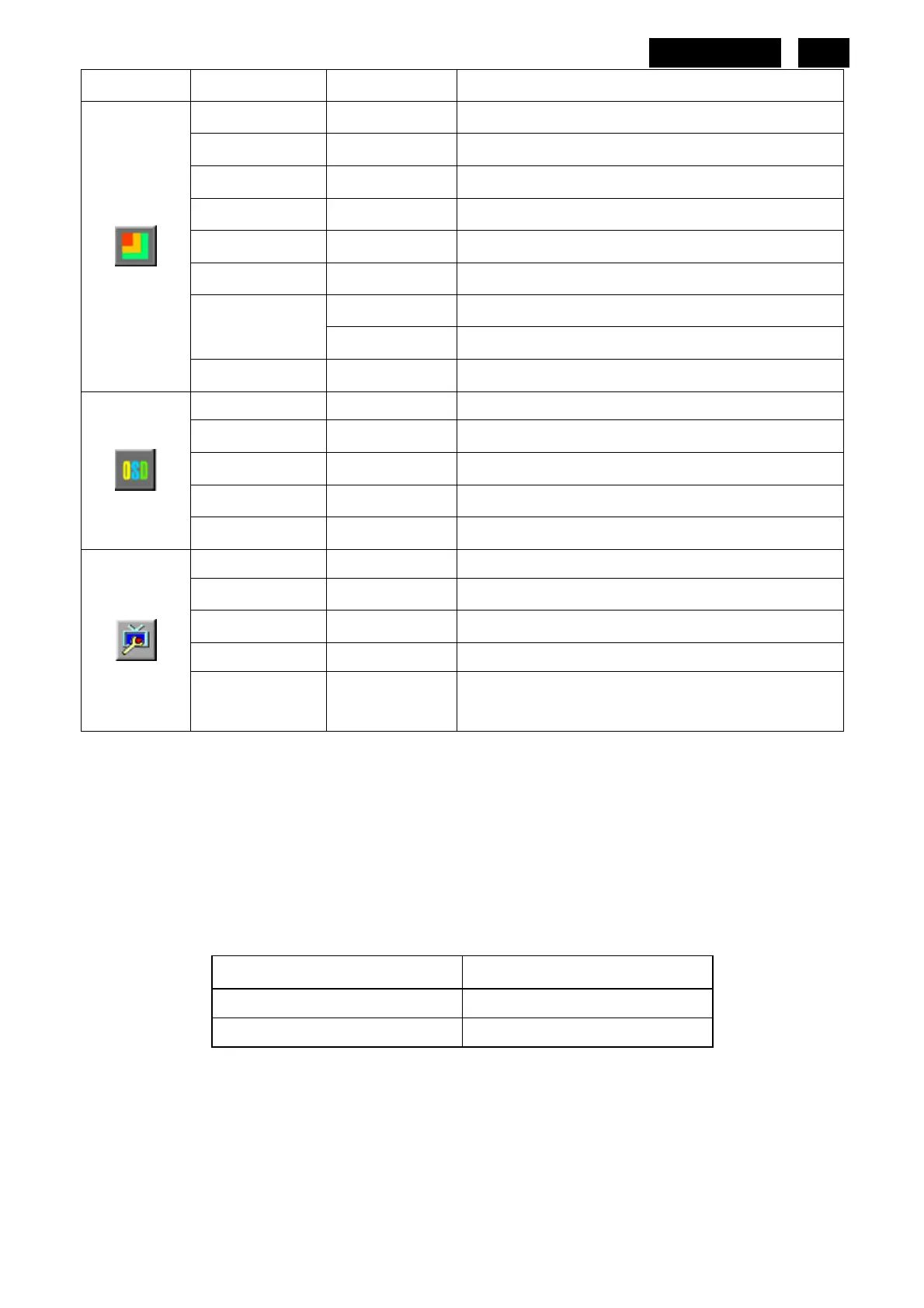
on or off Disable or Enable Demo
Picture Boost
Frame Size 0-14 Adjust Frame Size
Brightness 0-100 Adjust Frame Brightness
Contrast 0-100 Adjust Frame Contrast
Hue 0-100 Adjust Frame Hue
Saturation 0-100 Adjust Frame Saturation
H. position Adjust Frame horizontal Position
Position
V-position Adjust Frame vertical Position
Bright Frame on or off Disable or Enable Bright Frame
OSD Setup
H-Position 0-100 Adjust the vertical position of OSD
V-Position 0-100 Adjust the horizontal position of OSD
Timeout 0-100 Adjust the OSD Timeout
Language
Select the OSD language
Extra
Auto Configure yes or no Auto adjust the picture to default
Reset yes or no Reset the menu to default
EXIT/DDC-CI Turn ON/OFF DDC-CI Support
Information
Show the information of the main image and
sub-image source
Notes:
1) If the product has only one signal input, the item of “input Select” is disabling to adjust.
2) If the product screen size is 4:3 or input signal resolution is wide format, the item of “Image Radio” is disabling
to adjust.
3) One of DCR, Color Boost and Picture Boost function is active; the other two functions are turned off
accordingly.
LED Indicators
Status LED Color
Full Power Mode Green or Blue
Active-off Mode Orange or Red
http://www.wjel.net



 To Next Page