RETURN TO TOP OF THE PAGE
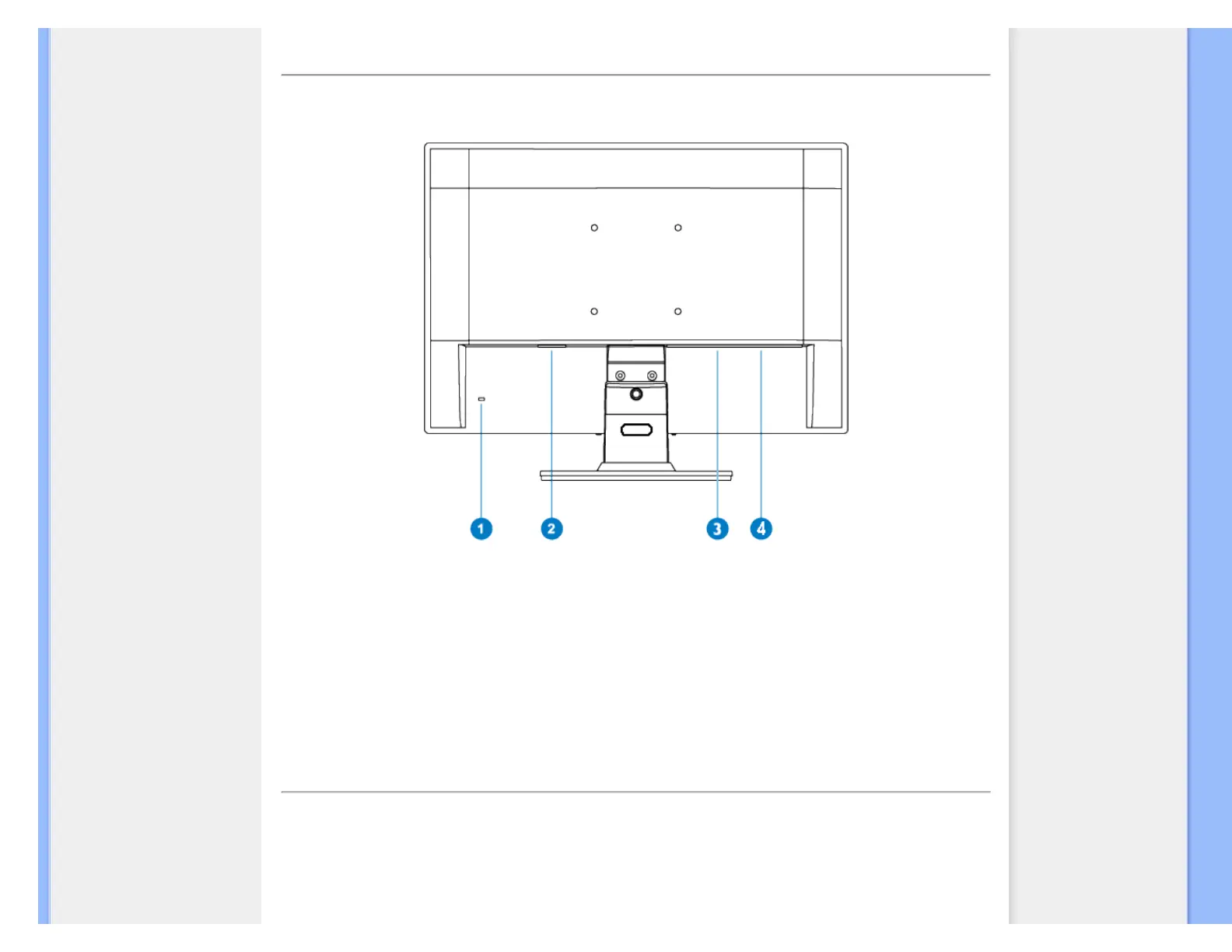
Rear View
1 Kensington anti-thief lock
2 AC power input
3
DVI-D(available for selective models)
4 VGA input
RETURN TO TOP OF THE PAGE
Optimizing Performance
● For best performance, ensure that your display settings are set at 1440 x 900, 60Hz.
file:///F|/CD/lcd/manual/ENGLISH/190V/install/install.htm(第 2/3 页)2009-2-27 17:54:19



 To Next Page