Repeat chapter/Title/Index on DVD Video
discs, or repeat 7_'acks or the disc on Video
CDs.
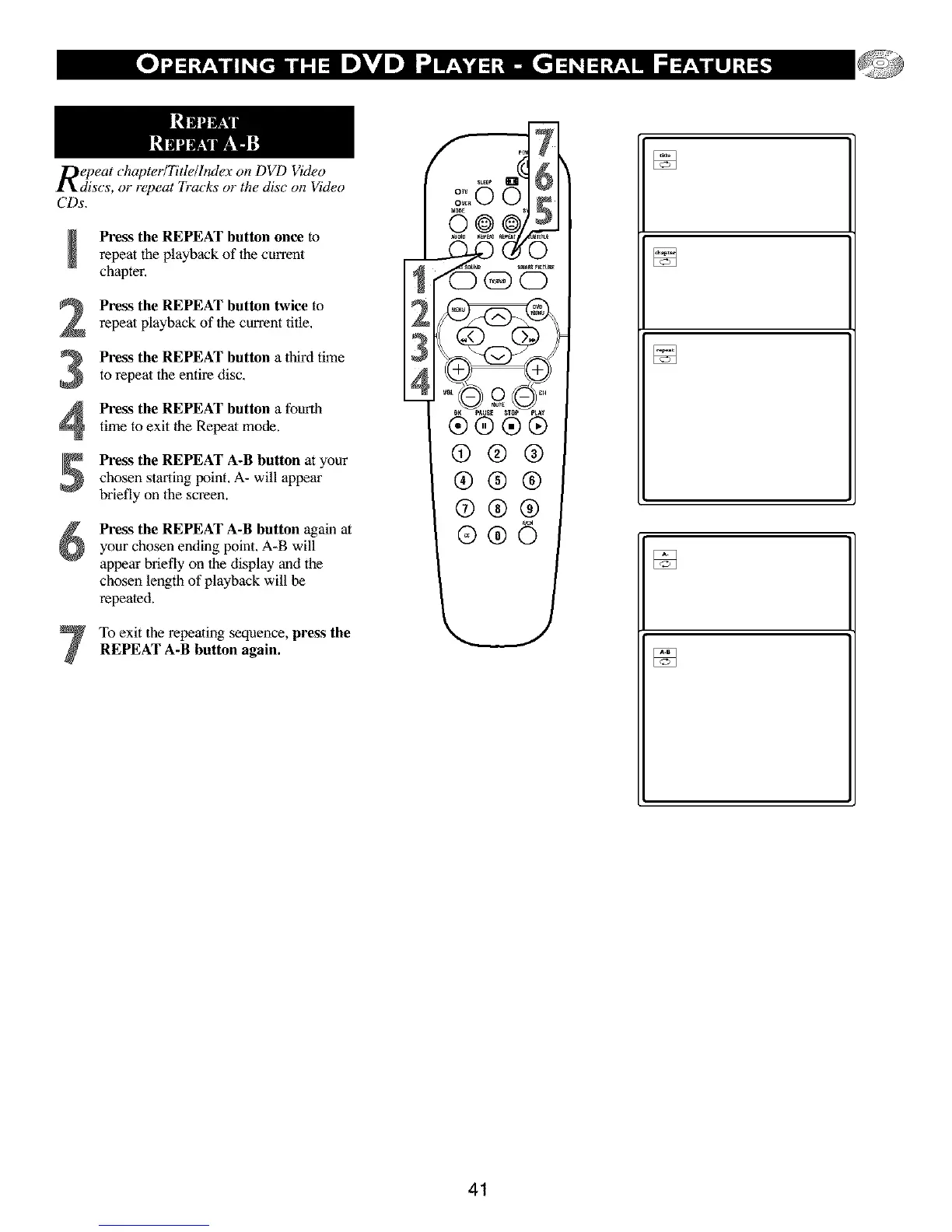
Press the REPEAT button once to
repeat the playback of the current
chapter.
Press the REPEAT button twice torepeat playback of the current title.
Press the REPEAT button a third timeto repeat the entire disc.
Press the REPEAT button a fourth
time to exit the Repeat mode.
Press the REPEAT A-B button at your
chosen starting point. A- will appear
briefly on the screen.
Press the REPEAT A-B button again at
your chosen ending point. A-B will
appear briefly on the display and the
chosen length of playback will be
repeated.
To exit the repeating sequence, press the
REPEAT A-B button again.
stE_ O
0K PA SE _T_ _tA_
®®®®
@®®
®®®
@®®
£
[]
[]
[]
41



 To Next Page