SmartImage
What is it?
SmartImage provides presets that optimize display for different types of content, dynamically adjusting brightness,
contrast, color and sharpness in real time. Whether you're working with text applications, displaying images or watching
a video, Philips SmartImage delivers great optimized LCD display performance.
Why do I need it?
You want a LCD display that delivers optimized display all your favorite types of content, SmartImage software
dynamically adjust brightness, contrast, color and sharpness in real time to enhance your LCD viewing experience.
How does it work?
SmartImage is an exclusive, leading edge Philips technology that analyzes the content displayed on your screen. Based on
a scenario you select, SmartImage dynamically enhances the contrast, color saturation and sharpness of images and
videos for ultimate display performance - all in real time with the press on a single button.
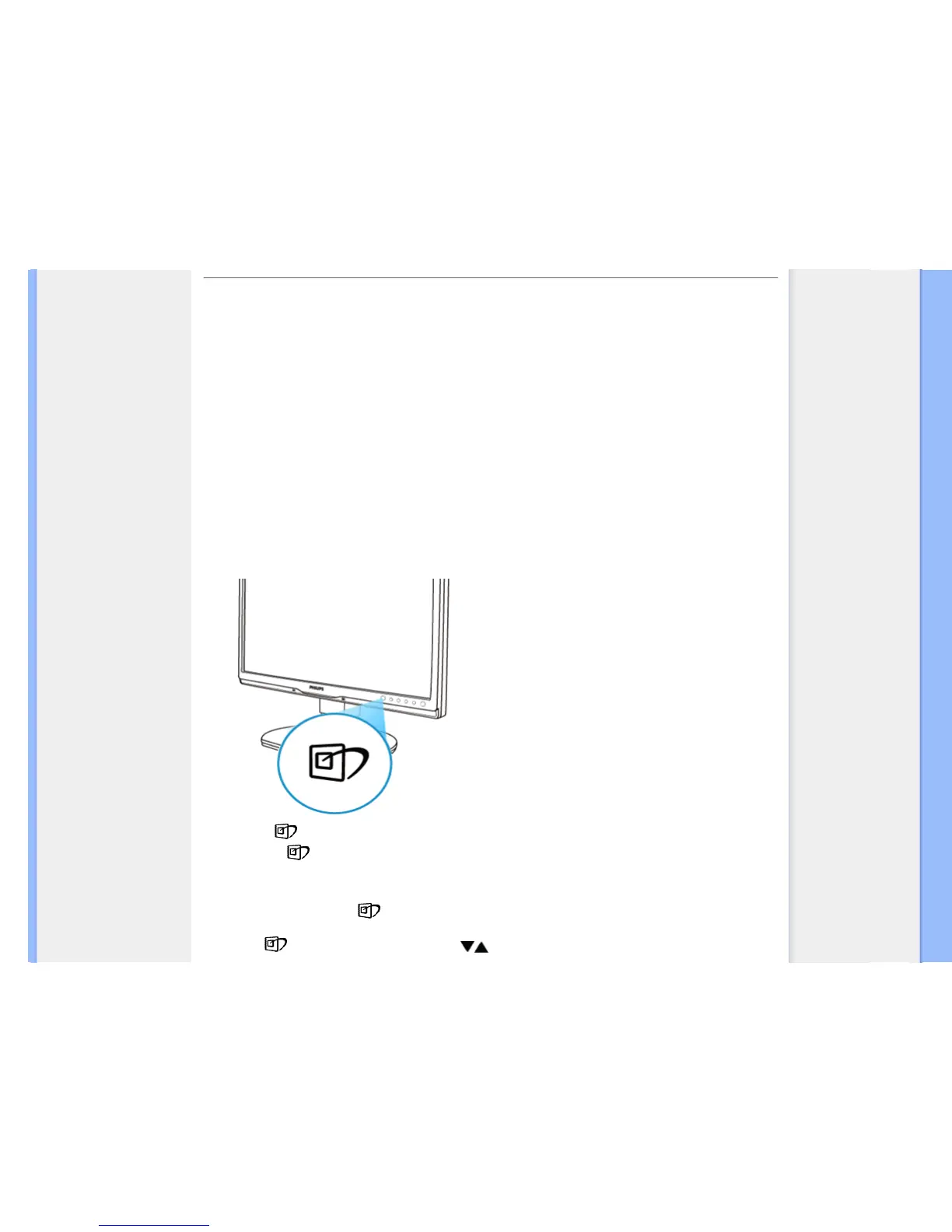
How to enable SmartImage?
1.
Press to
launch the SmartImage on screen display;
2.
Keep press
to toggle between Office Work, Image Viewing, Entertainment, Economy, and Off;
3. The SmartImage on screen display will remain on screen for 5 seconds or you can also press”OK” to make
confirmation.
4. When SmartImage is enabled, the sRGB scheme is disabled automatically. To use sRGB you need to
disable SmartImage with the
button at the front bezel of your monitor.
Except using key to scroll down, you can also press buttons to choose and press “OK” to confirm selection



 To Next Page