● Click on Yes button takes user to secure web site landing page.
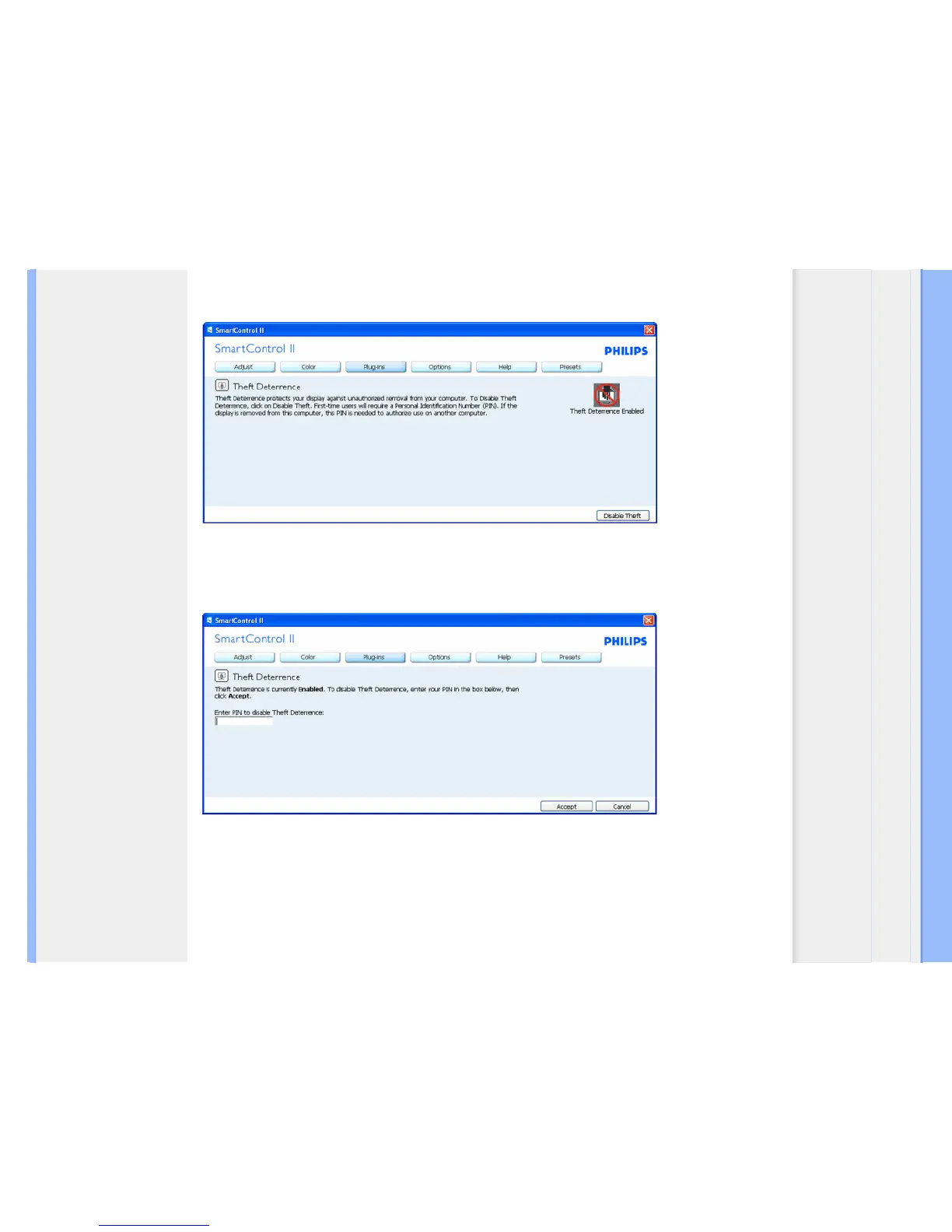
After creating PIN, the Theft Deterrence pane will indicate Theft Deterrence Enabled and provide PIN Options button:
1. Theft Deterrence Enabled is displayed.
2. Disable Theft Deterrence opens pane screen on next page.
3. PIN Options button only available after user creates PIN, button opens secure PIN web site.
Disable Theft button opens the following pane:
1.
After entering PIN, Accept button disables PIN.
2. Cancel button opens up main Theft Deterrence pane, displaying Theft Deterrence Disabled. Enable Theft Mode and
PIN Options buttons.
3. Entering incorrect PIN results in the following dialog box:



 To Next Page