Need help?
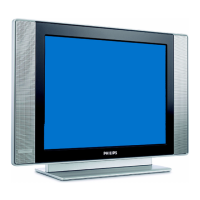
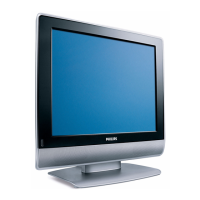
Do you have a question about the Philips 26HW9100D, 30HW9100D and is the answer not in the manual?
Connect the antenna or RF cable signal to the TV's rear jack panel.
Verify the mains voltage and frequency are correct before connecting the power cord.
Press the power button on the front panel or remote control to turn the set on.
Procedure to access TV Setup menu using the RC2888/01 remote.
Procedures to check and activate TV Setup menu with RC2573GR.
Instructions for scrolling through menu items and modifying settings using remote control buttons.
Guide to configuring analog channels and inputs within the CHANNEL INSTALL menu.
Details on setting up major, minor, and channel ring for digital channels.
How to access the Consumer DIGITAL Menu for programming digital channels.
How to adjust brightness, color, contrast, sharpness, tint, and rotation settings.
Select stereo/mono sound and enable/disable Automatic Volume Leveling.
Adjust balance, treble, and bass settings for audio playback.
Set the highest possible volume and the volume at power-on.
Define channel/input at power-on and the TV's power status behavior.
Settings for displaying closed captions, including CC-1, CC-2, and CC ON MUTE.
 General
| Brand | Philips |
|---|---|
| Model | 26HW9100D, 30HW9100D |
| Category | Flat Panel TV |
| Language | English |


 To Next Page