7
2. Setting up the monitor
2.2 Operating the monitor
Description of the control buttons
7
6
25
4
3
1
Switch monitor’s power ON
and OFF.
Access the OSD menu
.
Conrm the OSD adjustment.
Adjust the OSD menu.
Adjust the brightness level.
Change the signal input
source.
Return to previous OSD level.
SmartImage. There are
multiple selections:
EasyRead, Oce, Photo,
Movie, Game, Economy,
LowBlue Mode, O.
2
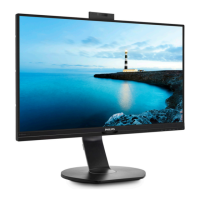
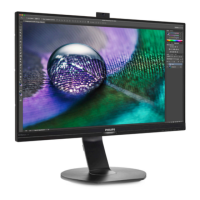
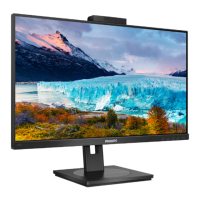
Webcam
Microphone
IR of Face identication
2.0 Megapixel Webcam
Webcam activity light


 To Next Page
 Loading...