2.2 Operating the monitor
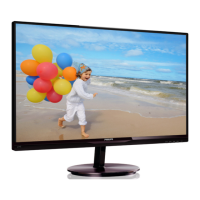
Front view product description
Model 274E5QSB, 274E5QHSB:
5
6 2
3
47
Switch monitor’s power ON and
OFF.
Access the OSD menu
.
Return to previous OSD level.
Change display format.
Adjust the OSD menu.
Change the signal input source.
SmartImage Lite. There are three
modes to be selected: Standard,
Internet and Game.
Model 274E5QHAB, 274E5QHAW:
5
6 2
3
47
Switch monitor’s power ON and
OFF.
Access the OSD menu
.
Return to previous OSD level.
Adjust the speaker volume.
Adjust the OSD menu.
Change the signal input source.
SmartImage Lite. There are three
modes to be selected: Standard,
Internet and Game.


 To Next Page