12
scanned articles or other general
office applications.
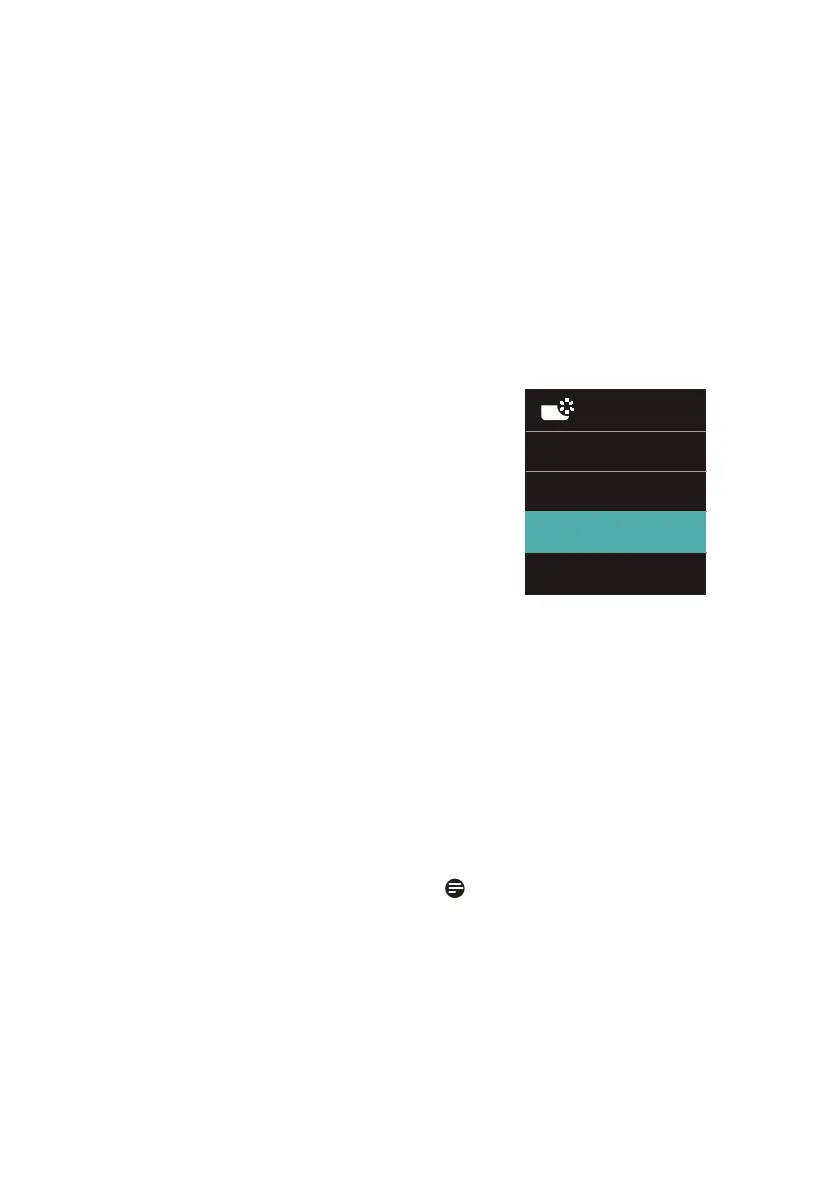
• Photo: This profile combines color
saturation, dynamic contrast and
sharpness enhancement to display
photos and other images with
outstanding clarity in vibrant colors
- all without artifacts and faded
colors.
• Movie: Ramped up luminance,
deepened color saturation, dynamic
contrast and razor sharpness displays
every details in darker areas of
your videos without color washout
in brighter areas maintaining a
dynamic natural values for the
ultimate video display.
• Game: Turn on over drive circuit for
best response time, reduce jaggy
edges for fast moving objects on
screen, enhance contrast ratio for
bright and dark scheme, this profile
delivers the best gaming experience
for gamers.
• Economy: Under this profile,
brightness, contrast are adjusted
and backlighting finetuned for
just right display of everyday office
applications and lower power
consumption.
• LowBlue Mode: LowBlue Mode for
easy on-the-eyes productivity Studies
have shown that just as ultra-
violet rays can cause eye damage,
shortwave length blue light rays
from LED displays can cause eye
damage and affect vision over time.
Developed for wellbeing, Philips
LowBlue Mode setting uses a smart
software technology to reduce
harmful shortwave blue light.
• SmartUniformity: Fluctuations in
brightness and color on different
parts of a screen are a common
phenomenon among LCD monitors.
Typical uniformity is measured
around 75-80%. By enabling Philips
SmartUniformity feature, display
uniformity is increased to above
95%. This produces more consistent
and true images.
• Off: No optimization by SmartImage.
When this display receives HDR signal
from the connected device, select a
picture mode that best fits your needs.
There are multiple selections: HDR
Vivid, HDR Movie, Personal, Off.
• HDR Vivid: Enhancing red, green,
and blue for true-to-life visuals.
• HDR Movie: Ideal setting for
watching HDR movie. Deliver better
contrast and brightness for more
realistic and immerse viewing
experience.
• Personal: Customize available
settings in picture menu.
• Off: No optimization by SmartImage
HDR.
Note
To switch off HDR function, please
disable from Input device and its
content. Inconsistent HDR settings
between input device and monitor may
cause unsatisfying images.


 To Next Page