38
Most of the audio and video equipment from our range of products can be
operated with the remote control of the TV.
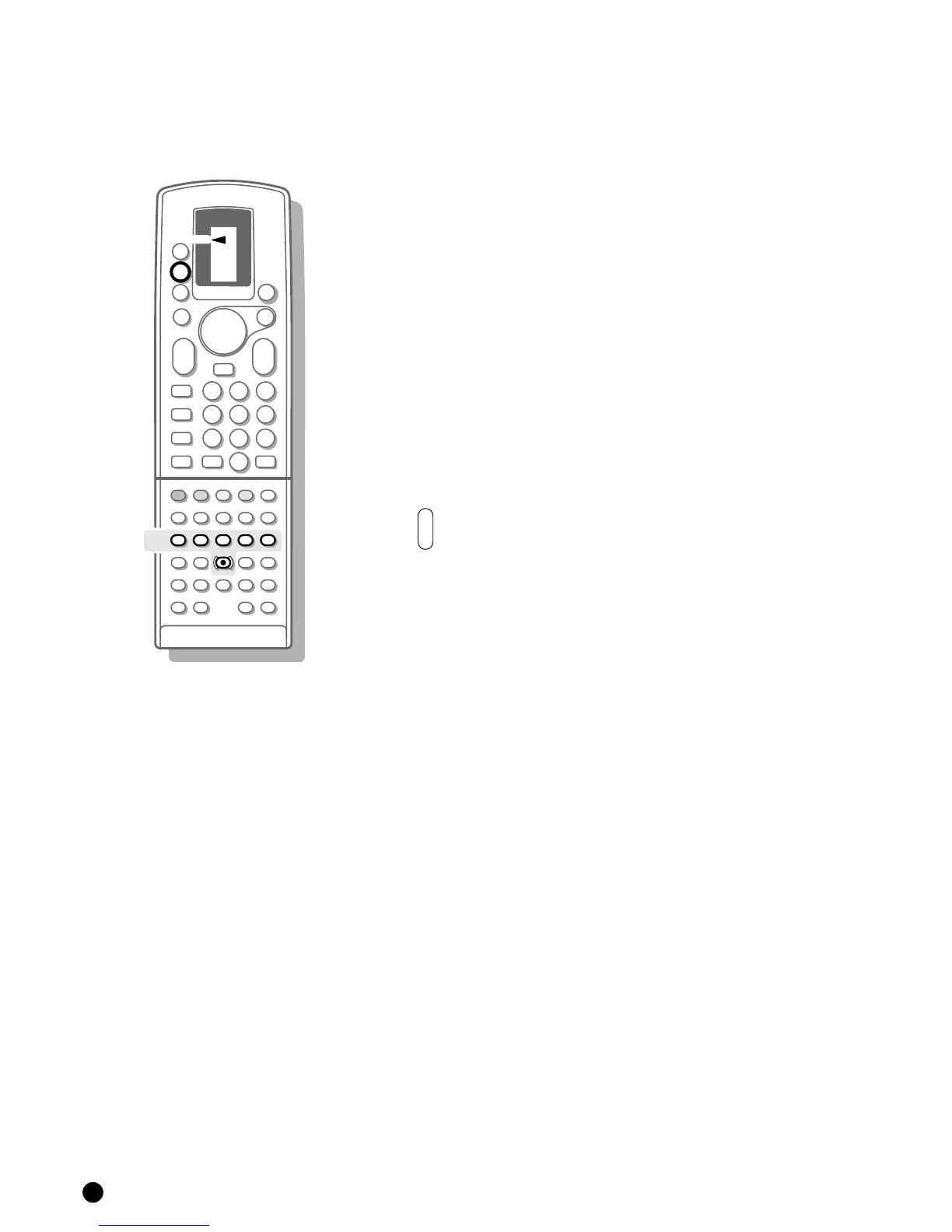
4 Press repeatedly on the M key of the remote control until the designation
VCR1 or VCR2 is indicated by the arrow and according to which connected
video recorder you want to operate.
4 Press one of the video recorder keys of the remote control :
L for stop
G for rewind
B for play
F for wind
N for timer
M for record
to run quickly through the TV channels from your video recorder tuner
The digit keys to select TV channels from your video recorder tuner
The standby key
B to switch off the video recorder temporarily.




 To Next Page