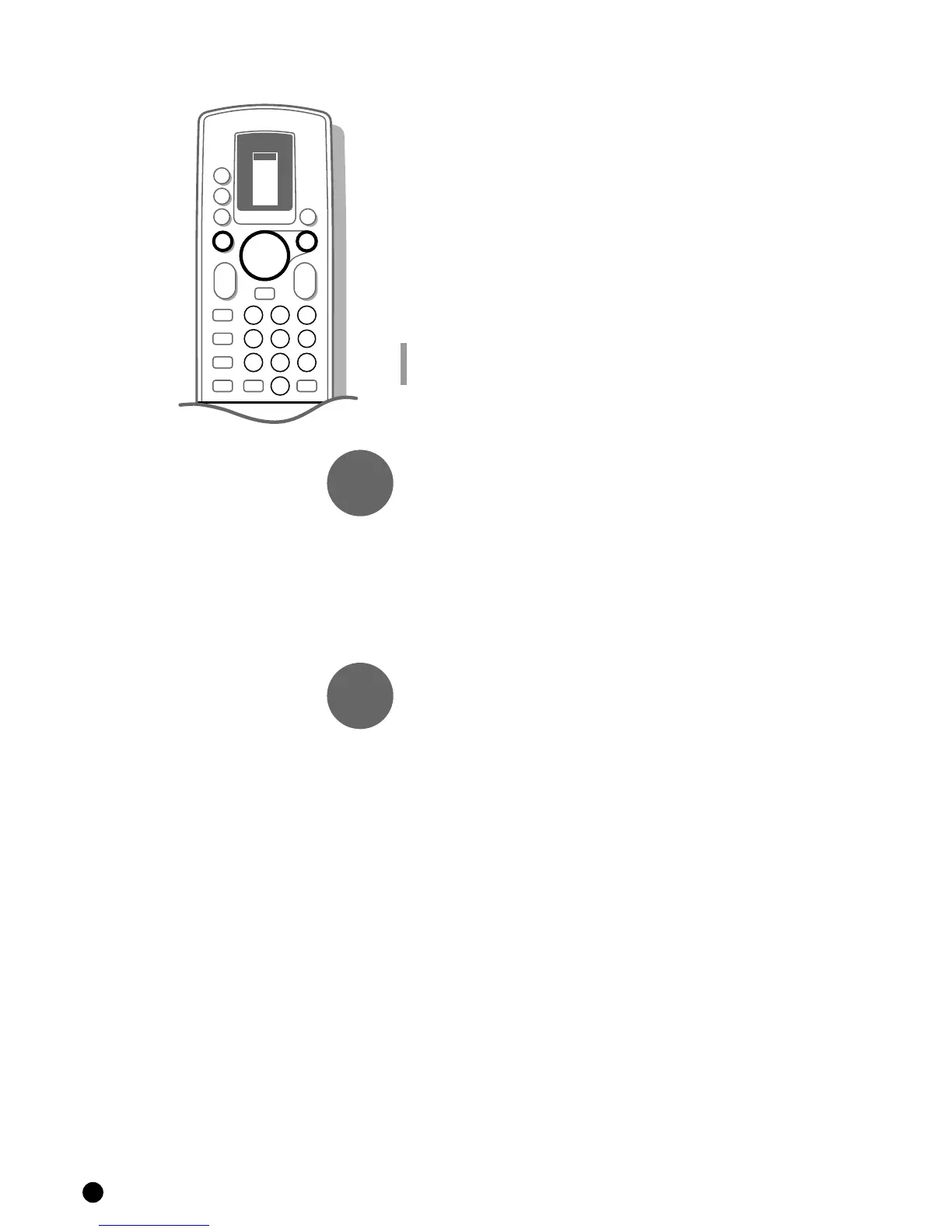
Direct selection of a TV channel
If you know the frequency, or the C- or S-channel number, it can be entered
directly with the digit keys on the remote control and in this way call up the
TV channel.
Ask for a list from your cable company or dealer, alternatively consult the
Table of frequencies on the inside backcover of this handbook.
4 Select Search with the keys V or W.
4 Enter the 3 digits of the desired frequency or the 2 digits in case of
C-or S-channels.
4 For frequencies under 100 MHz, first enter a 0. For example : 063.
5 The frequency is automatically finetuned.
Have you entered a wrong number ?
First complete the frequency or the channel number with arbitrary numbers and then
start again.
Go on to 3.
Enter the programme number
Now assign a number of your choice to the TV channel you have located. In
this way you decide the order of all your TV channels.
4 Select Programme Number with the keys V or W.
4 Select with the keys C or B or with the digit keys the desired programme
number.
Go on to 4.
Store steps 1 to 3
Now the steps 1 to 3 must be stored in the memory.
4 Select Store with the keys V or W and press OK.
5 Stored appears briefly at the bottom of the screen.
5 The programme number and probably the programme name are stored in the
programme list after the message has disappeared.
If you want to store another TV channel.
4 Repeat & to ‘.
If you are connected to a cable system.
4 Begin immediately with é. You have already selected the TV system in &
for all channels.
If you have finished storing TV channels.
4 Press MENU.
5 The INSTALLATION MENU reappears.
8
repeat
end
3
4




 To Next Page