EN 46
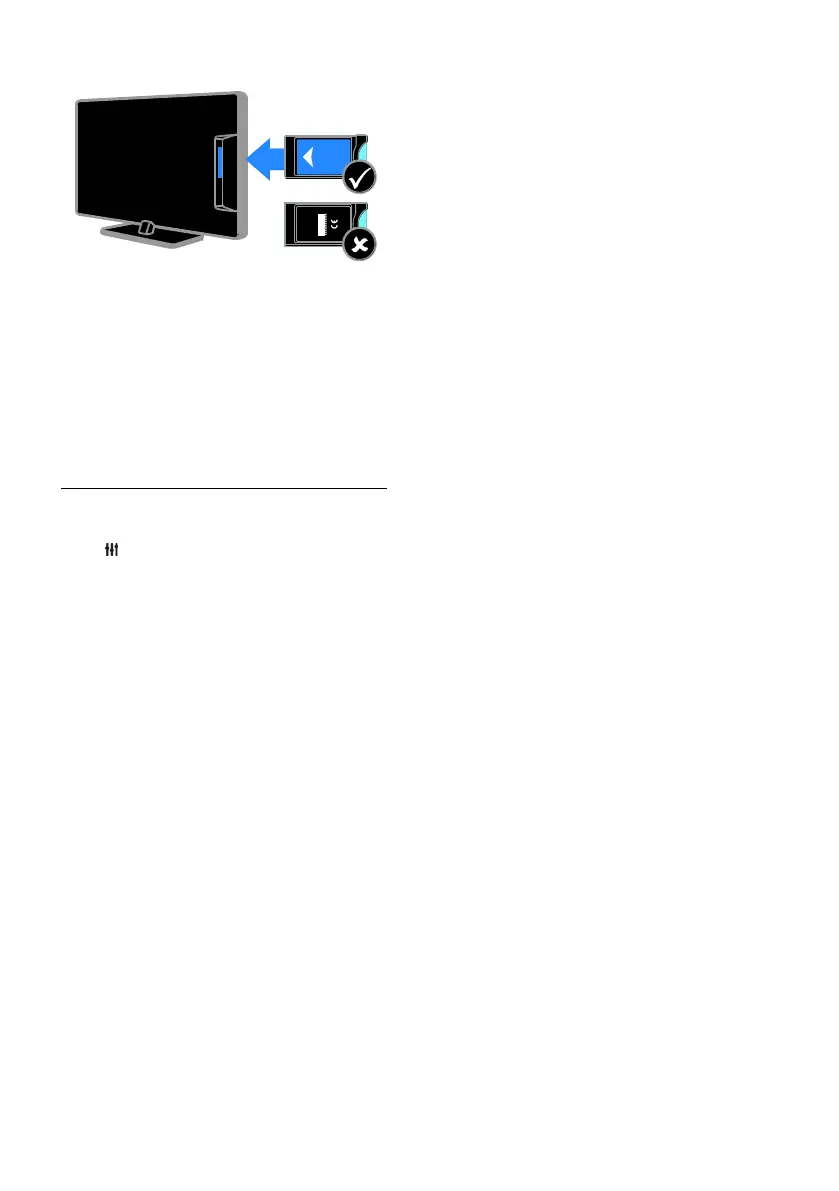
1. Switch off the TV.
2. Follow the directions printed on the CAM
to insert the CAM into the Common
Interface slot at the side of the TV.
Push the CAM in as far as it will go.
3. Switch on the TV, then wait for the CAM
to be activated. This takes a few minutes.
To maintain access to encrypted digital TV
channels, leave the CAM in the slot.
Access CAM services
1. After you insert and activate the CAM,
press OPTIONS.
2. Select [Common interface], then press
OK.
3. Select the CAM provider, then press OK.









 To Next Page