10
Use teletext
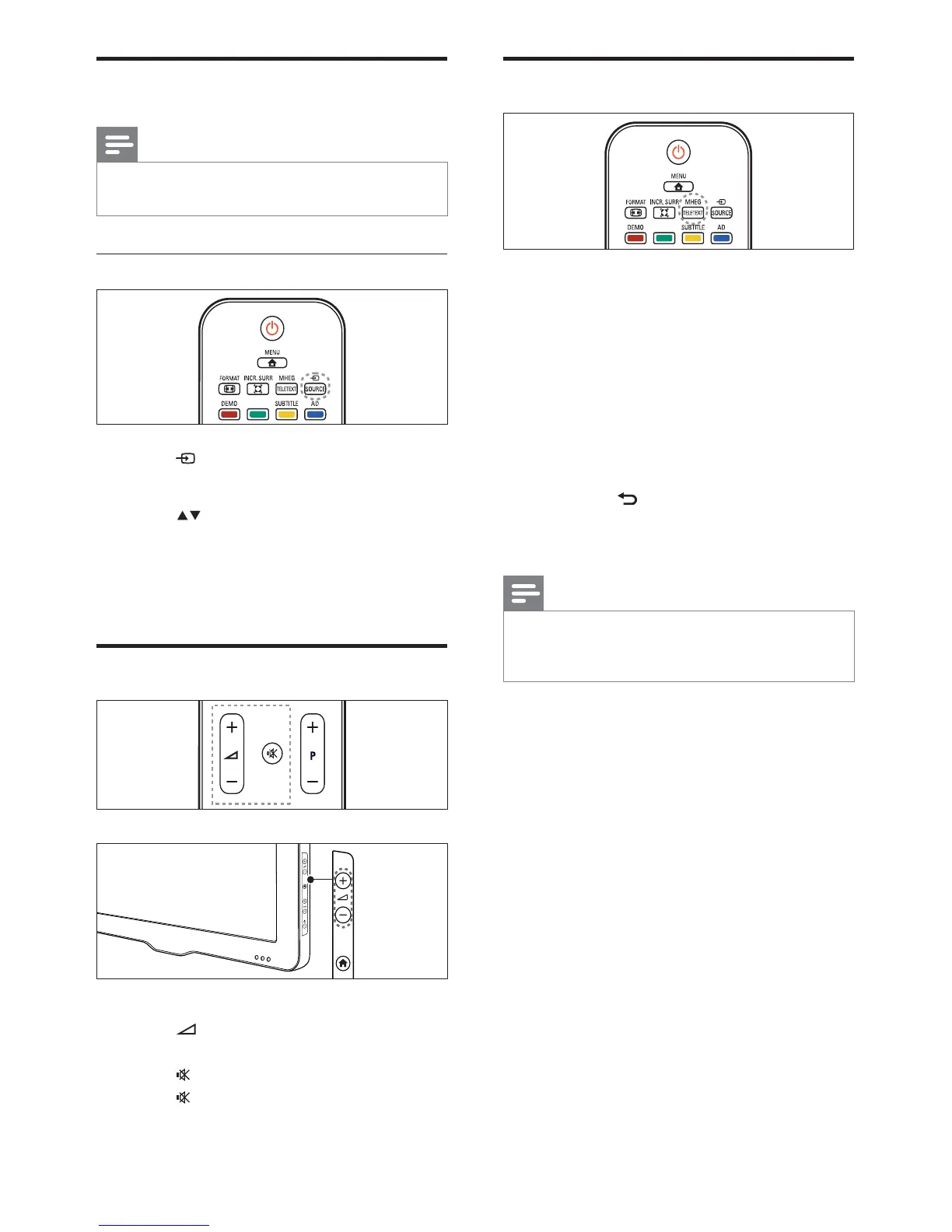
1 Press MHEG/TELETEXT.
The main index page appears. »
2 Select a page as follows:
Press the • Numeric buttons to enter
a page number
Press • P +/- to view the next or
previous page
Press the • Colour buttons to select a
colour coded item
Press •
BACK to return to a
previously viewed page
3 Press MHEG/TELETEXT to exit teletext.
Note
For UK users only: Some digital TV channels •
offer dedicated digital text services (for
example, BBC1).
Watch connected devices
Note
Switch on the device before selecting it as a •
source on the TV.
Use the source button
1 Press SOURCE.
The source list appears. »
2 Press to select a device.
3 Press OK to confirm your choice.
The TV switches to the selected »
device.
Adjust TV volume
To increase or decrease volume
Press •
+/-.
To mute or unmute sound
Press •
to mute the sound.
Press •
again to restore the sound.
EN












 To Next Page