EN 6
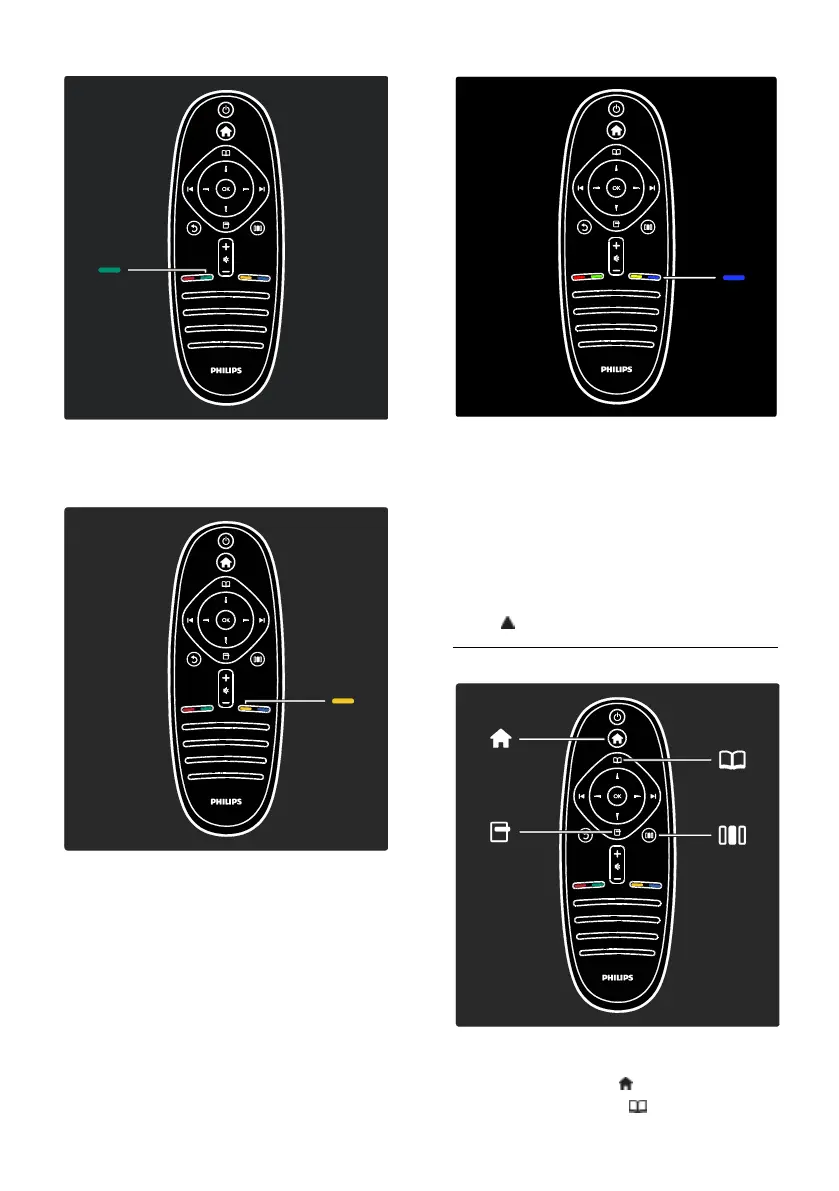
Green
To select the green option or the
energy-efficient settings.
Yellow
To select the yellow option.
Blue
To select the blue option or to open the
Widgets*.
*Available on certain models only.
Read more about the remote control in
Help > Use your TV > Remote control >
Overview (Page 15).
Alternatively, find the answer in Search for...
Press to select the next TV tour.
The TV menus
Let's learn more about these frequently used
menus:
the Home menu
the Browse menu









 To Next Page