19
TPT1.1A LA
5. Service Modes, Error Codes and Fault Finding
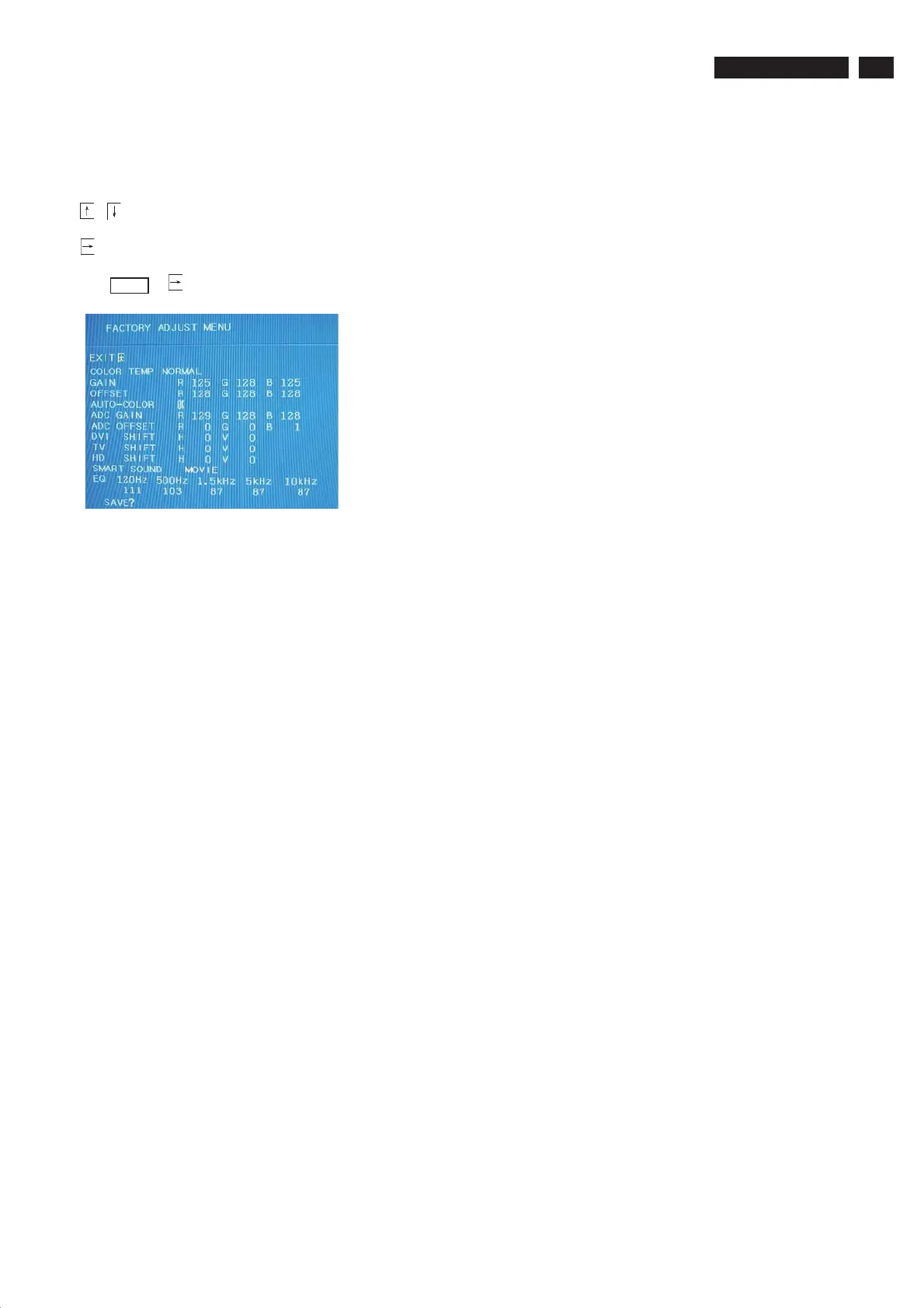
5.2 Factory Mode
, : Move and change value
: selected
Press M ENU or
: key to activate OK, SAVE, and EXIT.
It can enter Factory Mode
1. Press" Menu" in normal operation mode to enter OSD.
2. Press "062596+Menu" on the button (RC) remote control in OSD.
3. Press "Menu" again. The screen will appear "FAC" in top right corner.





 To Next Page