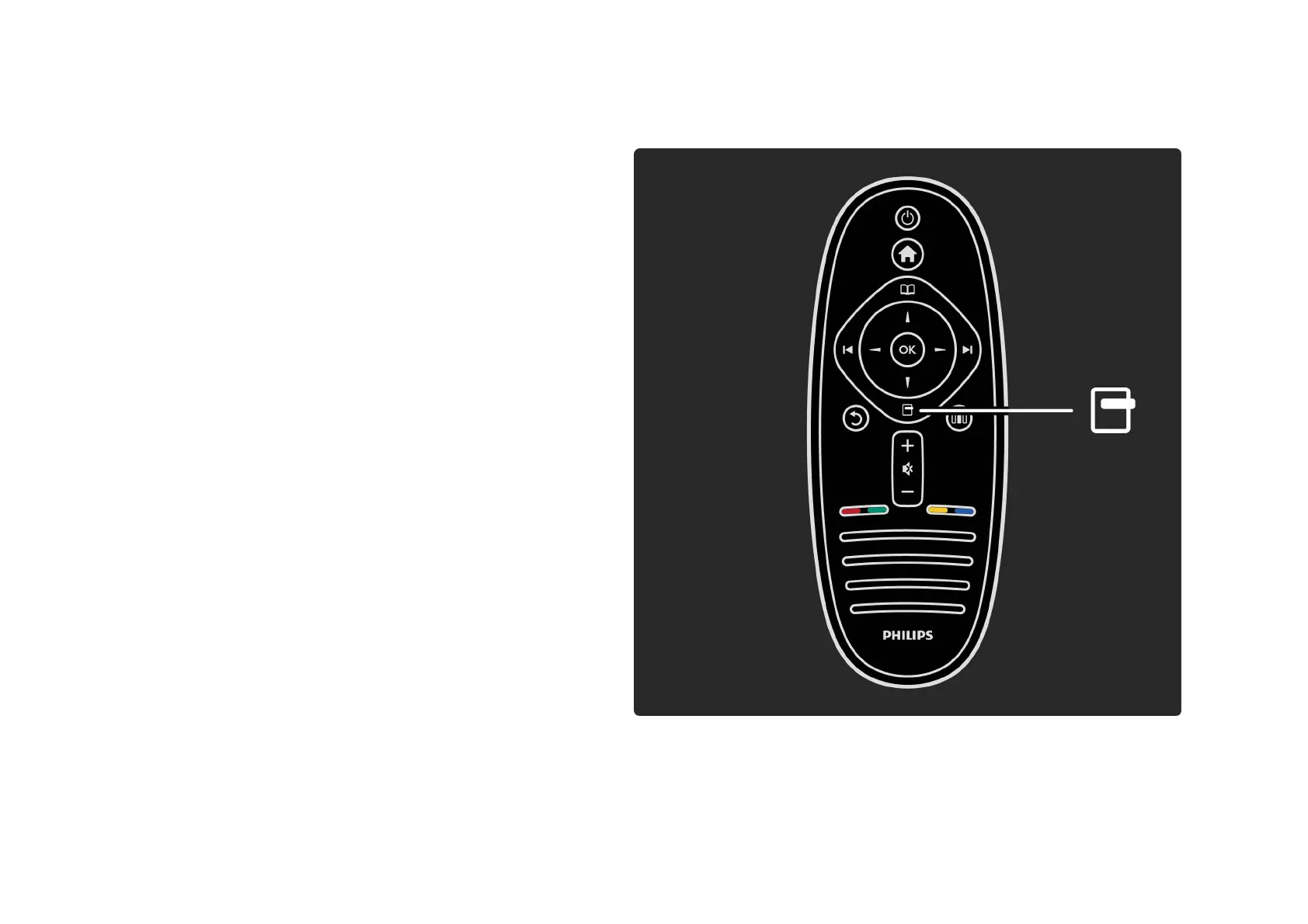
2.2.3Options o
The Options menu gives settings related to what is shown
on screen. Depending on what is shown, the Options menu
holds different settings.
Press o (Options) at any time to see which options are
available.
To close the Options menu, press o again.







 To Next Page